4
GETTING STARTED
:
Installing/Replacing the Battery
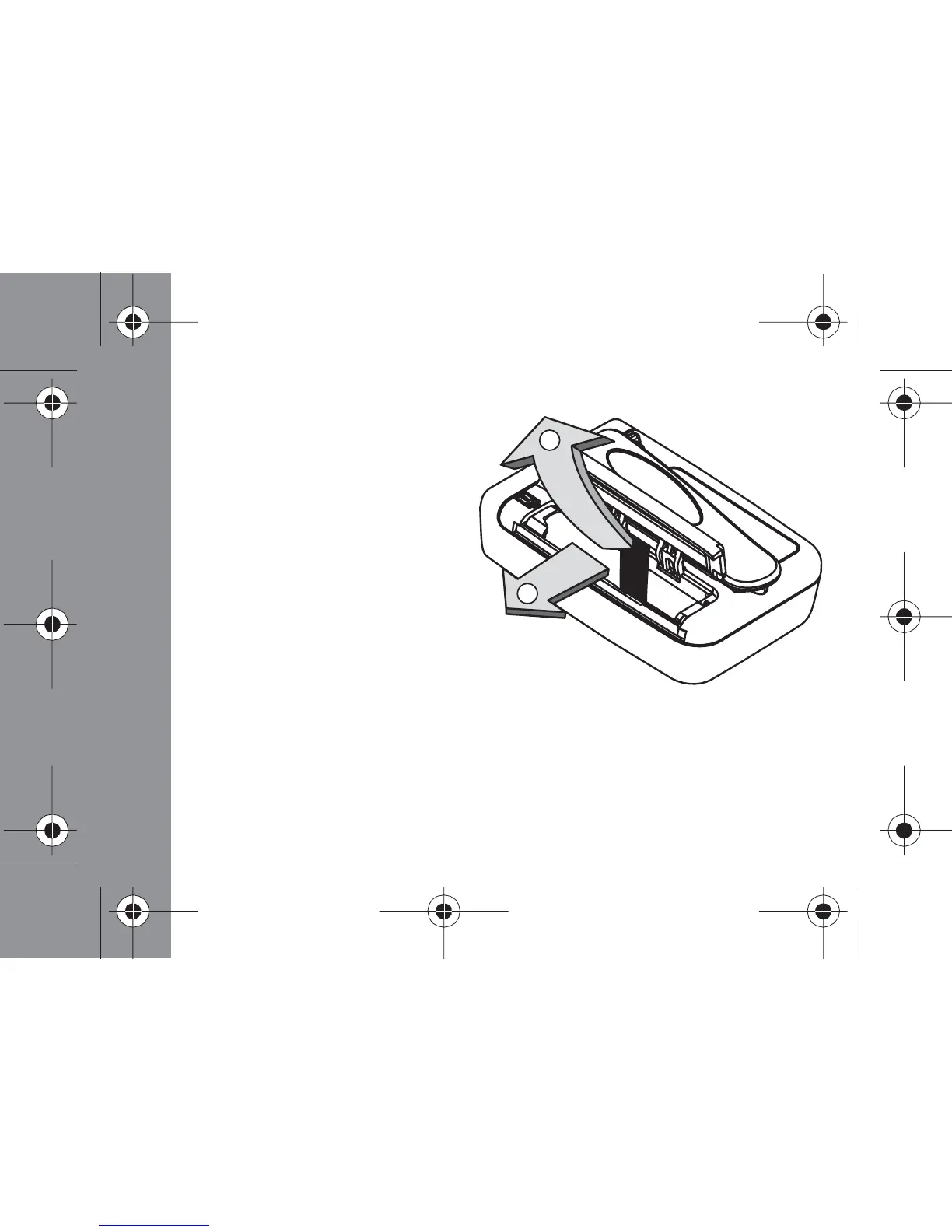
- Hold the pager face down
- Open the battery compartment
by pressing down with your thumb
on the battery door and sliding the
battery door in the direction indicated
by arrow 1 in the illustration
- Lift up the battery door to access the battery
- Remove the old battery by pulling the ribbon
towards the top end of the pager as indicated
by arrow 2 in the illustration
- Insert a new battery so the polarity markings on the battery
match the polarity diagram on the housing
- If the pager does not turn on, then check to make certain the battery has
been inserted correctly.
GETTING STARTED
1
2



 To Next Page