18
FUNCTION MENU
:
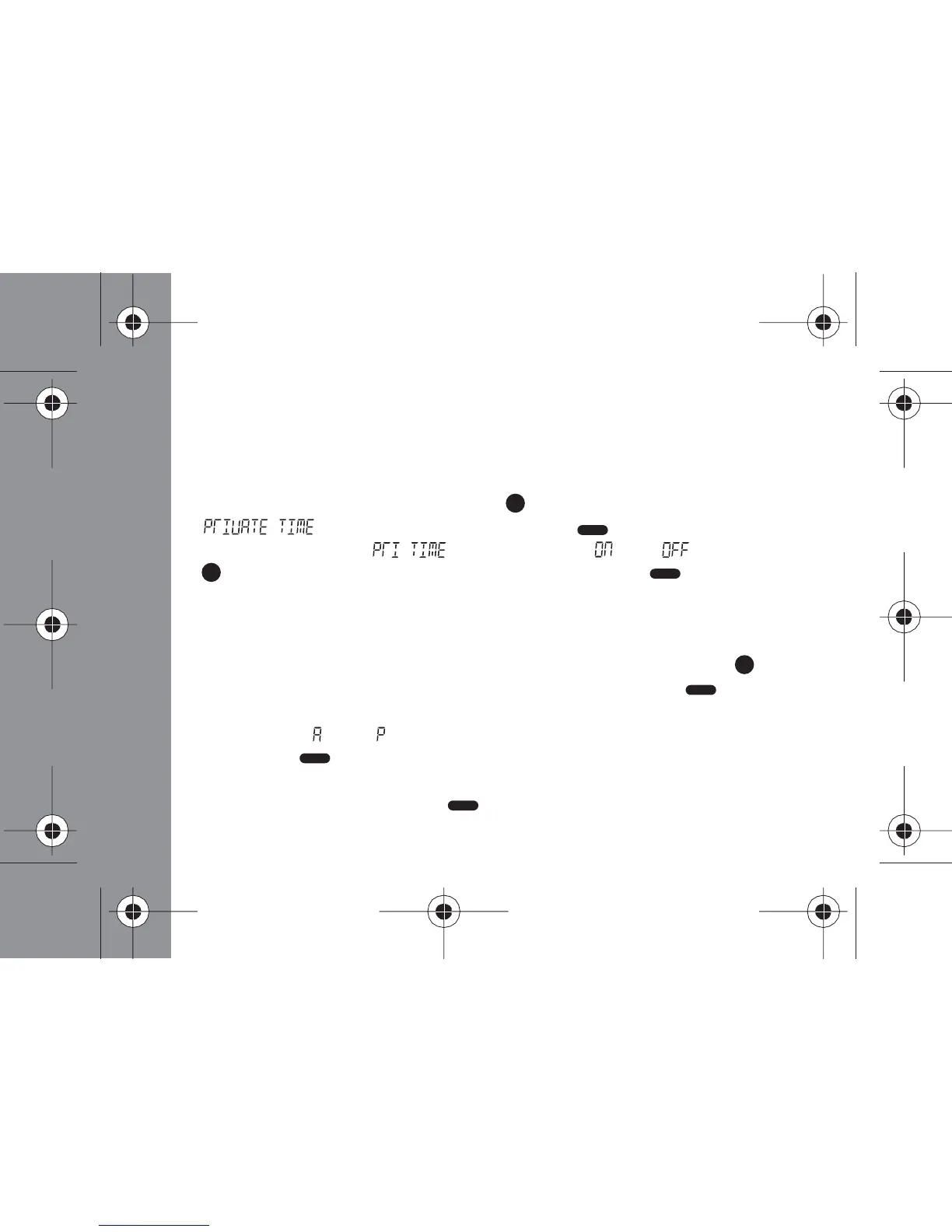
Setting Private Time
You can set your pager to Private Time. During this time the pager will still
receive messages as usual but it will not alert.
- From the Status screen, press the (Function) button 10 times until
" " displays, and then press the (Read/ Select) button
- The display shows " " with a flashing " " or " " , toggle the
(Function) button to select ON or OFF. Press the (Read/ Select)
button to confirm your selection
Note: If you select OFF the pager will return to the Status screen. If you
select ON proceed to the next step.
- To set pager START time scroll through hours by pressing the
(Function) button for each hour increment, then press the (Read/
Select) button to set and advance to the minutes. Repeat this step to set
minutes and " " or " ", if you pager is set to display 12 hour time format
- Press the (Read/ Select) button to set the END time by repeating
the above steps
- When completed, press the (Read/Select) button to return to the
Status screen



 To Next Page