17
:
FUNCTION MENU
Setting Message Information
This feature allows you to turn on and off the message information that
comes with a message. This information can include source indication,
message type (personal or group message) and date stamping.
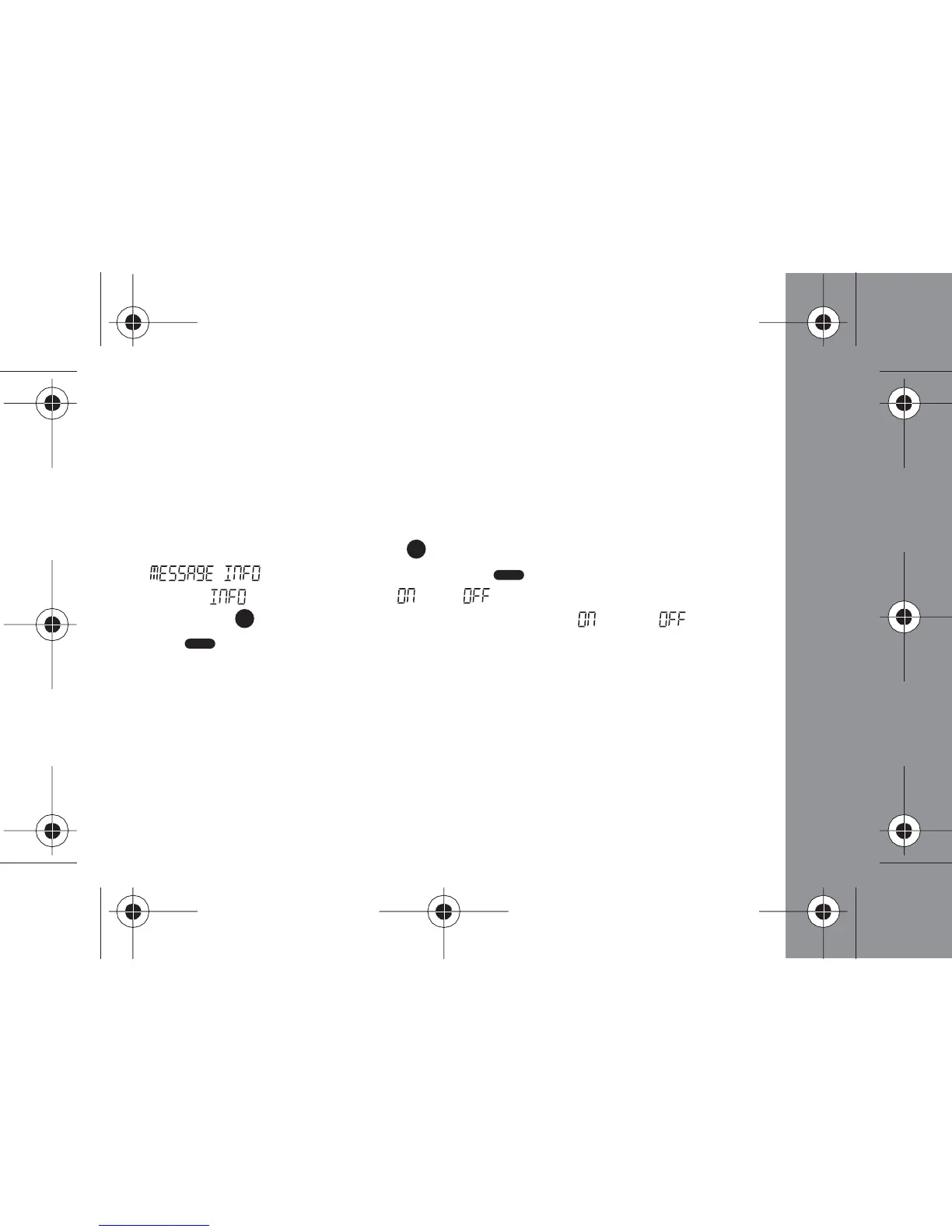
- From the status screen, press (Function) button 9 times until
" " displays. Then press the (Read/Select) button to
display " " and a flashing " " or " "
- Press the (Function) button to toggle between " " and " ", and
press (Read/Select) button to make your selection and return to the
Status screen



 To Next Page