13
:
FUNCTION MENU
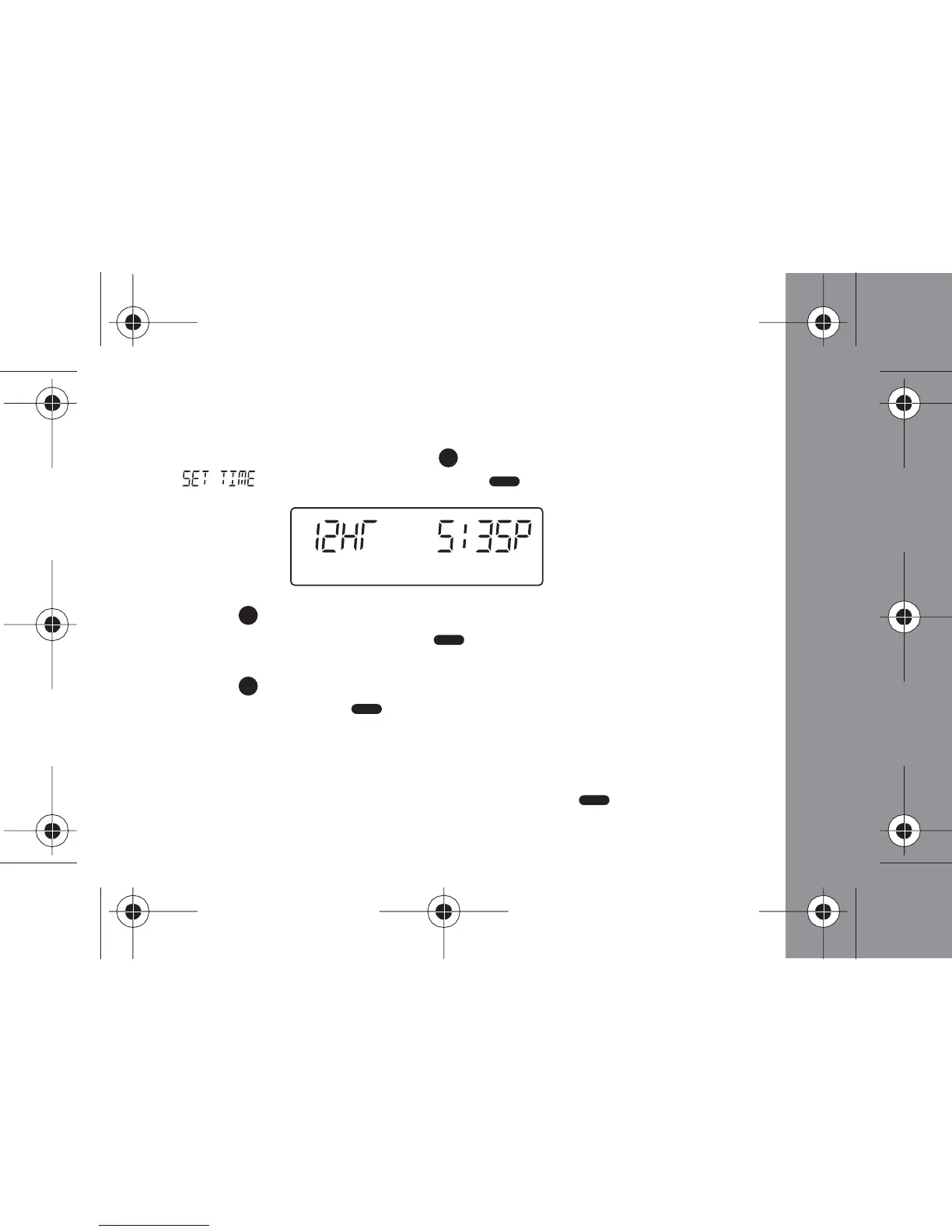
Setting the Time
- From the Status screen, press the (Function) button 5 times
until " " displays, then press the (Read/ Select) button.
- Press the (Function) button to select 12 or 24 hour time. When the
desired setting displays, press the (Read/ Select) button to advance
to the next field
- Press the (Function) button to increase the hour. When the desired
hour displays, press the (Read/ Select) button to advance to the next
field
- Repeat Step 3 to set the "minutes" and "A" or "P", if set to 12 hour time
format
- When you have finished setting the time, press the (Read/ Select)
button to save your changes and return to the status screen



 To Next Page