15
:
FUNCTION MENU
Setting Reminder Alert
This feature allows you to turn ON/OFF reminder alerts. Reminder alerts
repeat at two-minute intervals until you have read all new messages. To
turn ON/OFF reminder alerts, proceed as follows:
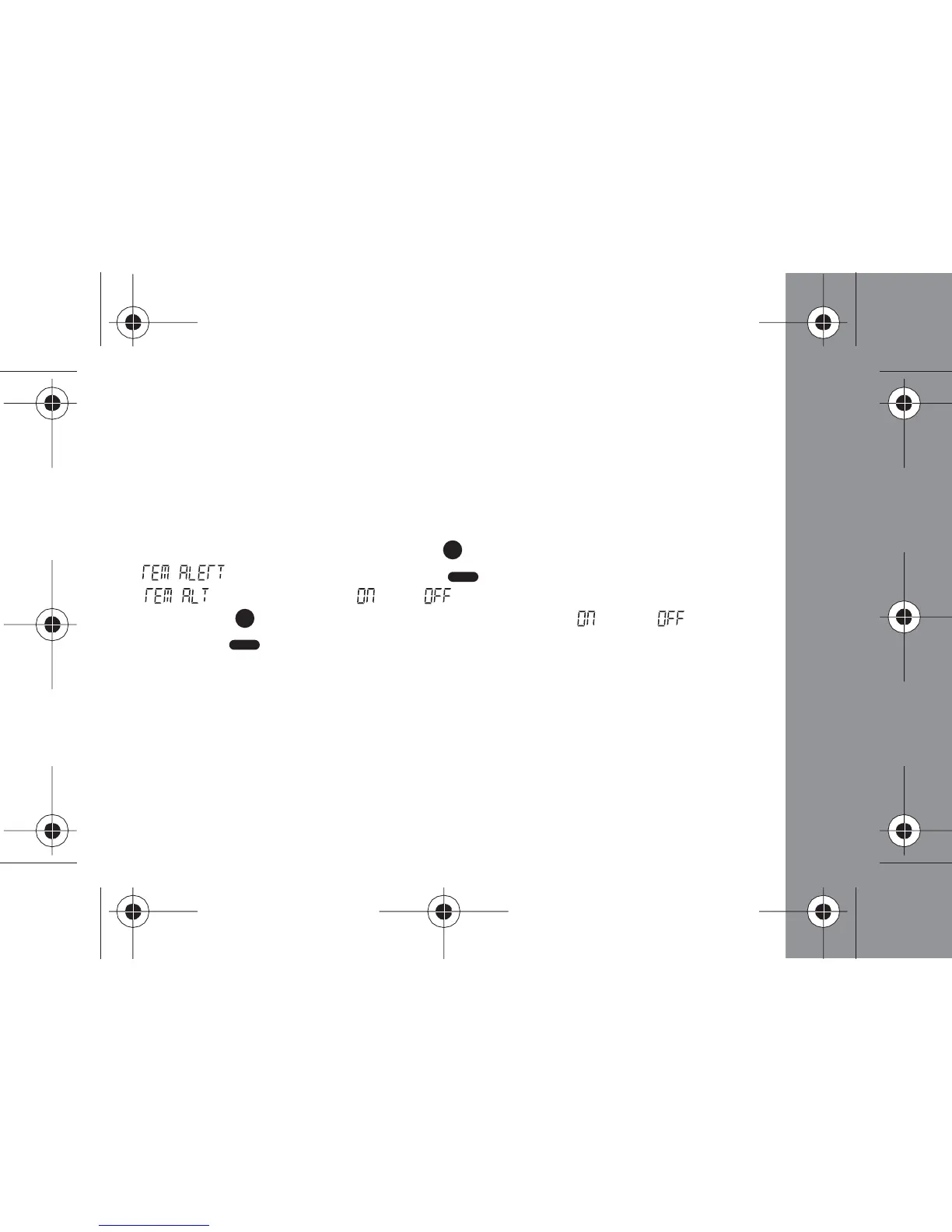
- From the Status screen, press the (Function) button 7 times until
" " displays, then press the (Read/ Select) button to display
" " and a flashing " " or " "
- Press the (Function) button to toggle between " " and " "
- Press the (Read/Select) button to make your selection and return to
the Status screen



 To Next Page