7
:
Turning Your Pager On
- Make sure that a new battery is properly
installed as discussed in the "Installing/
Replacing the Battery" section on page 5
- Your pager will turn on automatically upon insertion of battery
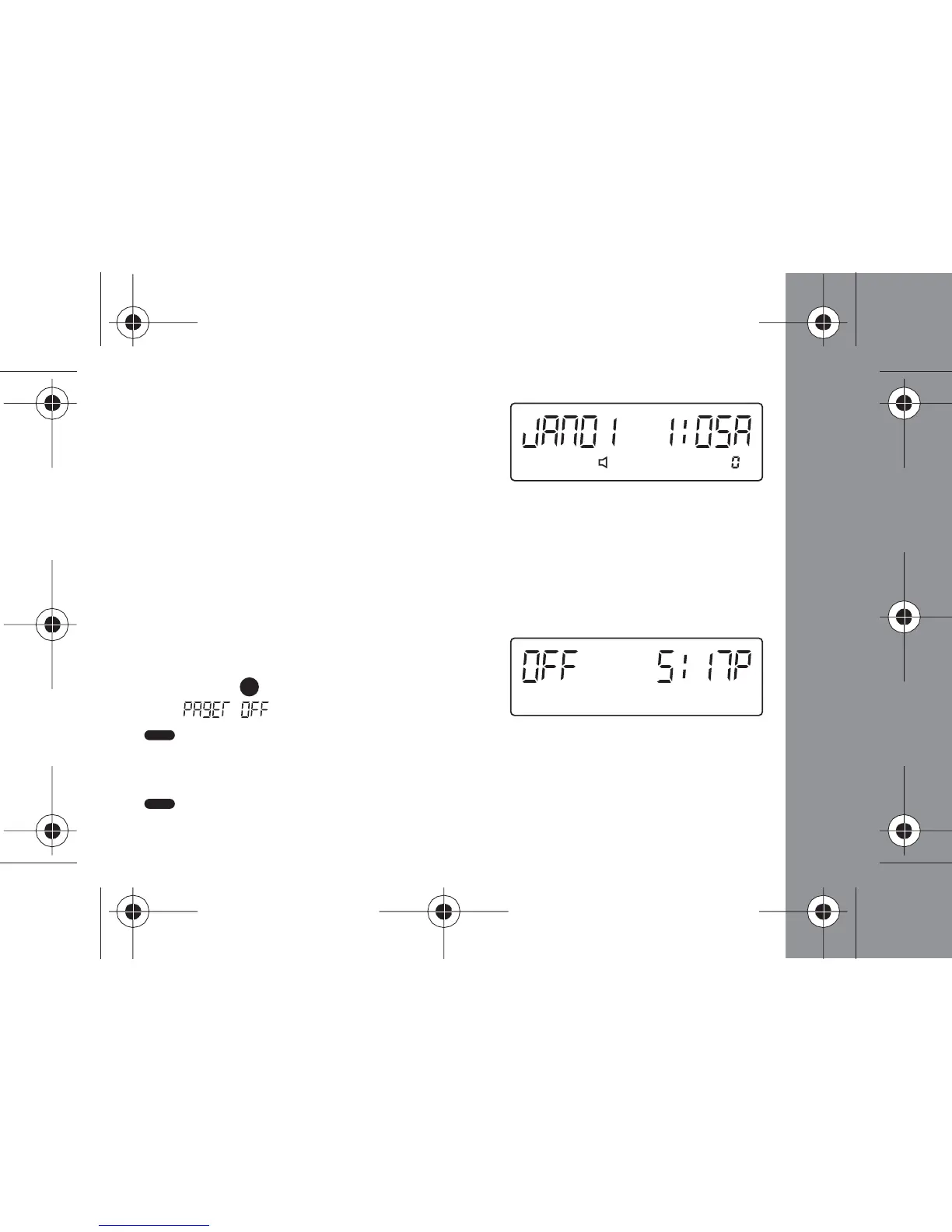
- When the pager is on and no activity is taking place, the Status screen
displays date, time and other relevant status indicators
Turning Your Pager Off
- Press the (Function) button 3 times
until " " displays, then press the
(Read/Select) button and the pager will turn off
- Note that the screen will display the word "OFF" and the time.
- To turn your pager back on, press and hold down the
(Read/Select) button for 2 seconds.
GETTING STARTED



 To Next Page