6
GETTING STARTED
:
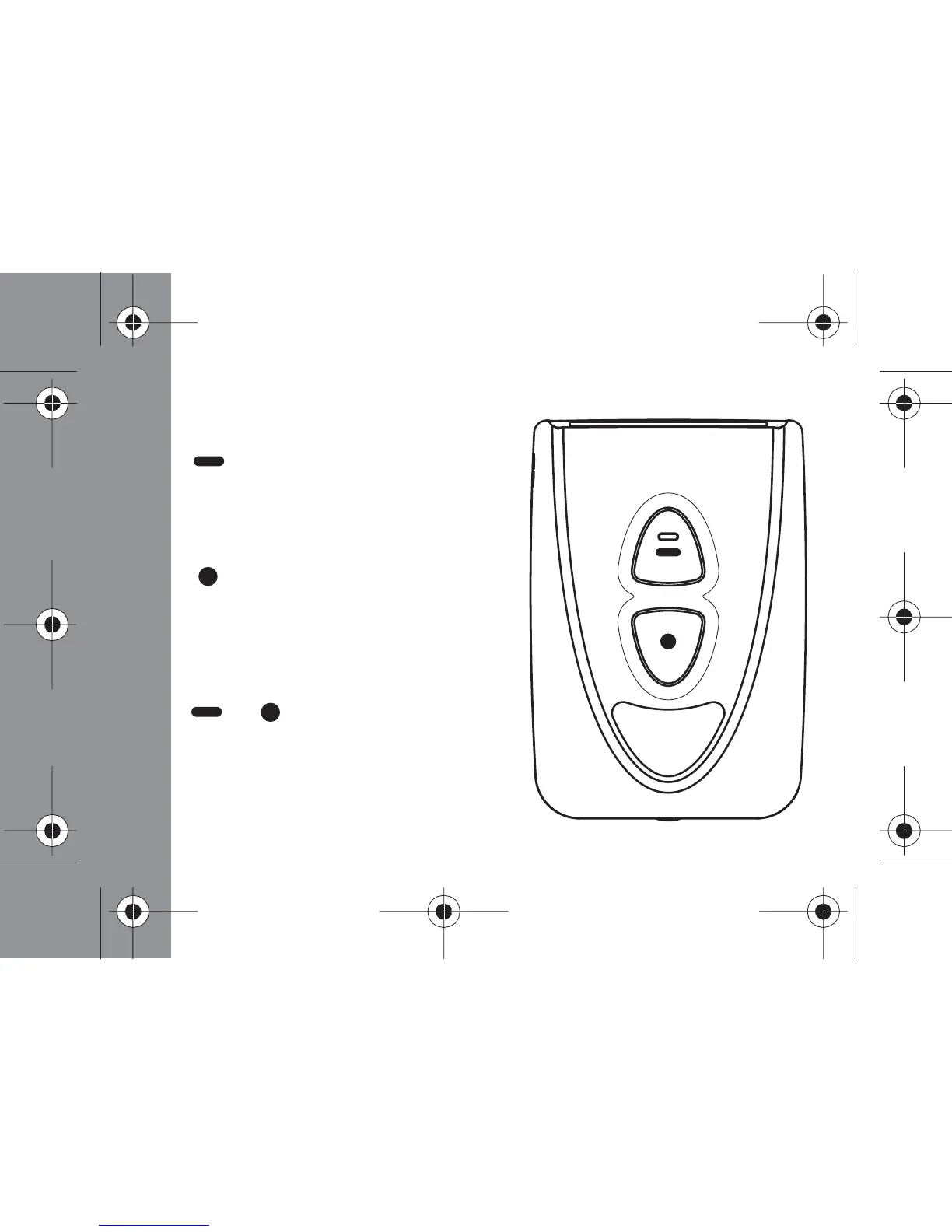
Control Buttons
READ/SELECT Button:
Press to read messages, select a
feature or move from one field to
another.
FUNCTION Button:
Press to enter the function menu,
scroll through the function menu or
change the value of a field, hold for
two seconds to turn on or off backlight.
+ Button COMBINATION:
Press the Read/Select and the
Function button simultaneously to
escape back to the Status screen from
the message or function screens.



 To Next Page