5
:
GETTING STARTED
CAUTION
If there is no display on the LCD when a
new battery is inserted, perform the
following:
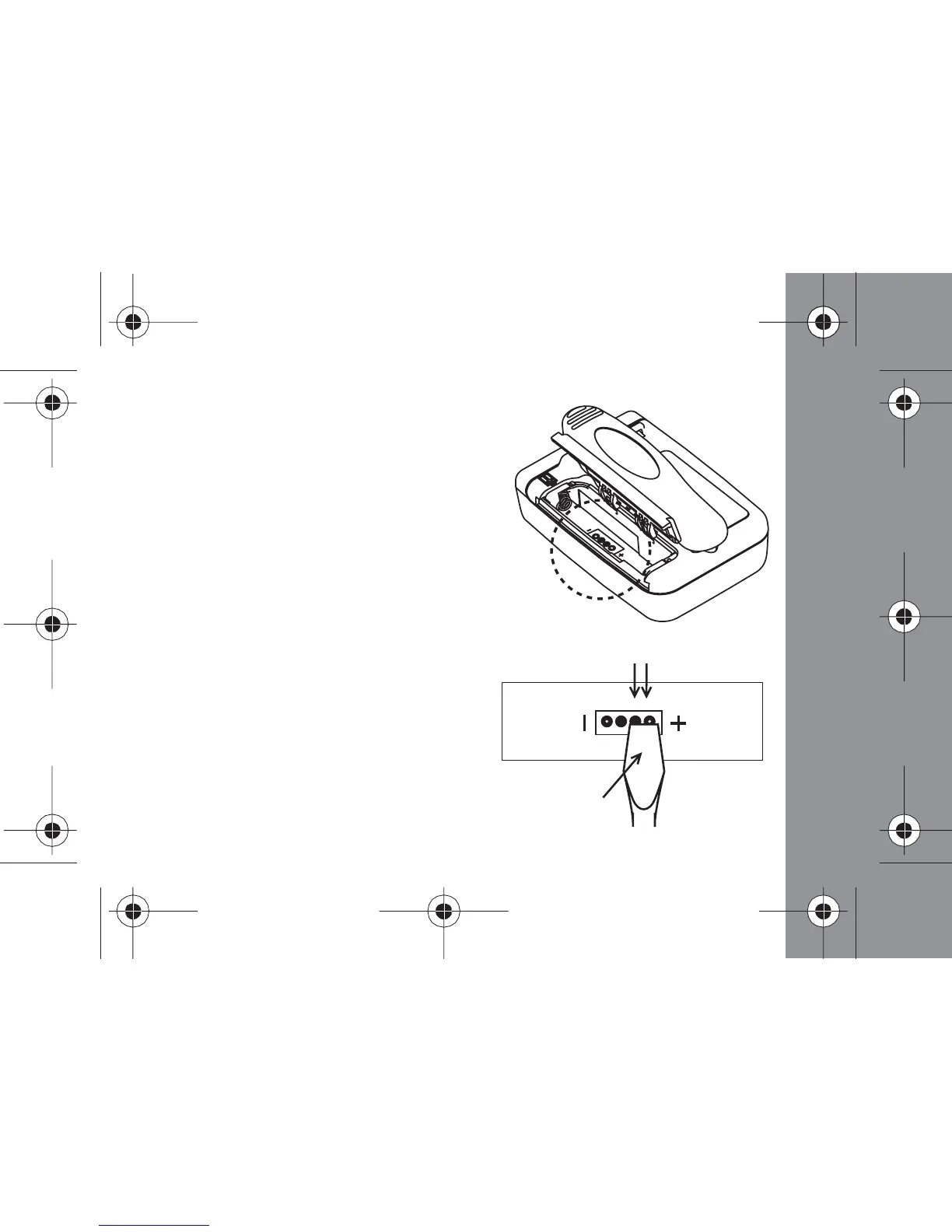
- Open the battery cover, take out the
battery
- Use a screwdriver or conductive material
to connect the two circular reset pads
indicated in the diagram
- Insert a new battery
- T
he pager will turn on as per normal.
screw driver
reset pads



 To Next Page