14
FUNCTION MENU
:
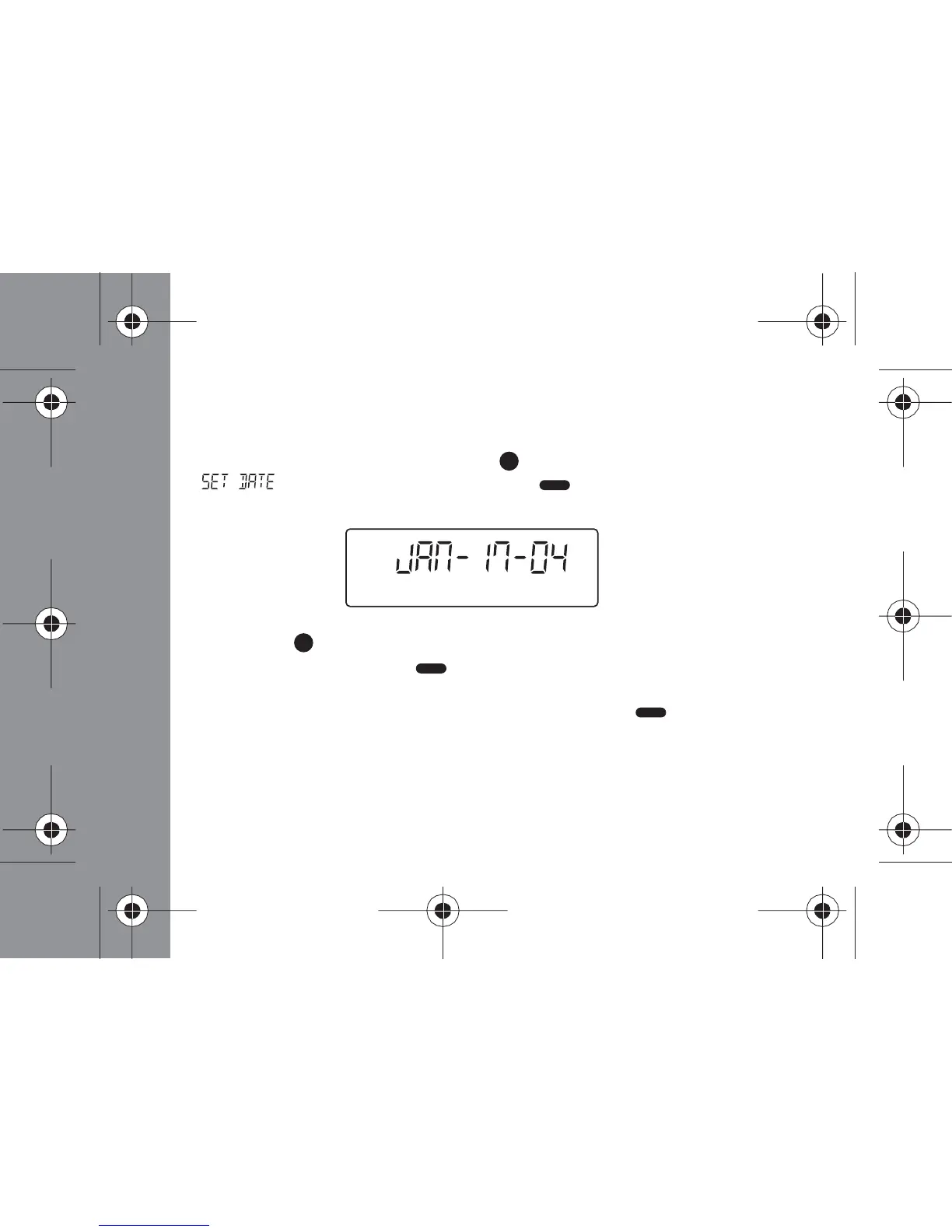
Setting the Date
- From the Status screen, press the (Function) button 6 times until
" " displays, and then press the (Read/ Select) button
- Press the (Function) button to advance the month. When the desired
month displays, press the (Read/ Select) button
- Repeat step 2 (above) to set the day and year
- When you have finished setting the date, press the (Read/ Select)
button to save your changes and return to the Status screen



 To Next Page