16
220i
DriveRack
®
User Manual
The 220i DriveRack offers complete editing flexibility, by offering in-depth control over every parameter
within each effect module. The following section will provide you with a module block representation
for each effect, as well as descriptions and explanations of all parameters within the 220i.
3.1 - Input Routing
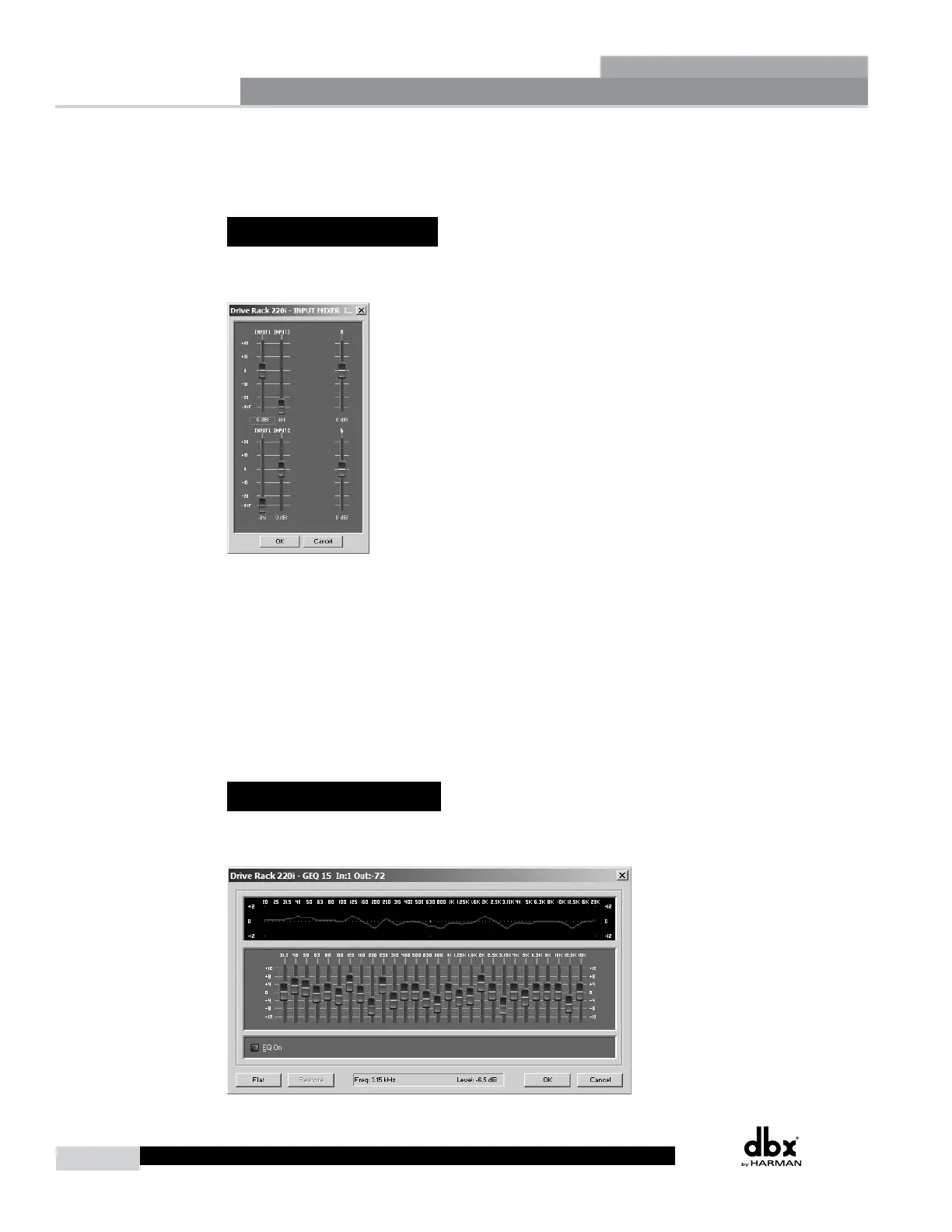
The signal routing begins at the INPUT ROUTING block of the 220i. These parameters are user
adjustable on all programs.
Input 1 Level -Inf to 20dB
Adjusts the input level from analog input one.
Input 2 Level -Inf to 20dB
Adjusts the input level from analog input one.
Level Left or Right Inf to 20dB
This parameter is used to adjust the level for the selected channel.
3.2 - Pre-Matrix EQ
The 220i’s Pre-matrix EQ section may be configured as a single or linkable 15-band or 28 band graphic
EQ or 9-Band PEQ.
Detailed Parameters
Section 3



 To Next Page