28
220i
DriveRack
®
User Manual
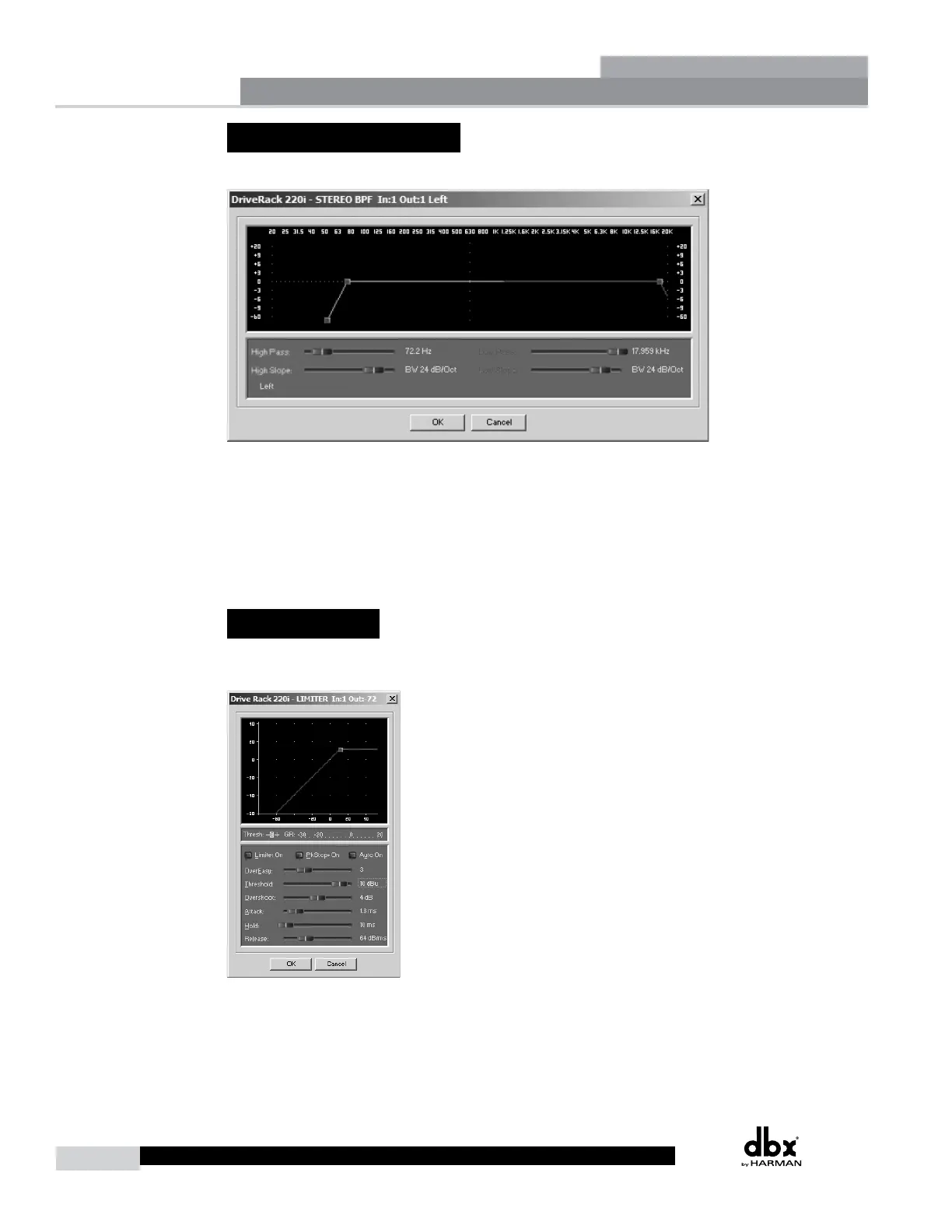
3.12 - Bandpass Filter
This Bandpass FIlter module allows the user to adjust the output bandwidth.
Highpass Out to 20kHz
Adjusts the lowest frequency that the output will achieve.
Lowpass Out to 20Hz
Adjusts the highest frequency that the output will achieve.
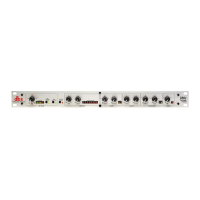
3.13 - Limiter
The 220i offers a dedicated Limiter module. The Limiters are located on each output channel and have
been strategically placed for speaker and amplifier protection.
Limiter On/Off
Turns the Limiter module on and off.
Detailed Parameters
Section 3



 To Next Page