36
220i
DriveRack
®
User Manual
4.3 - Front Panel Lockout
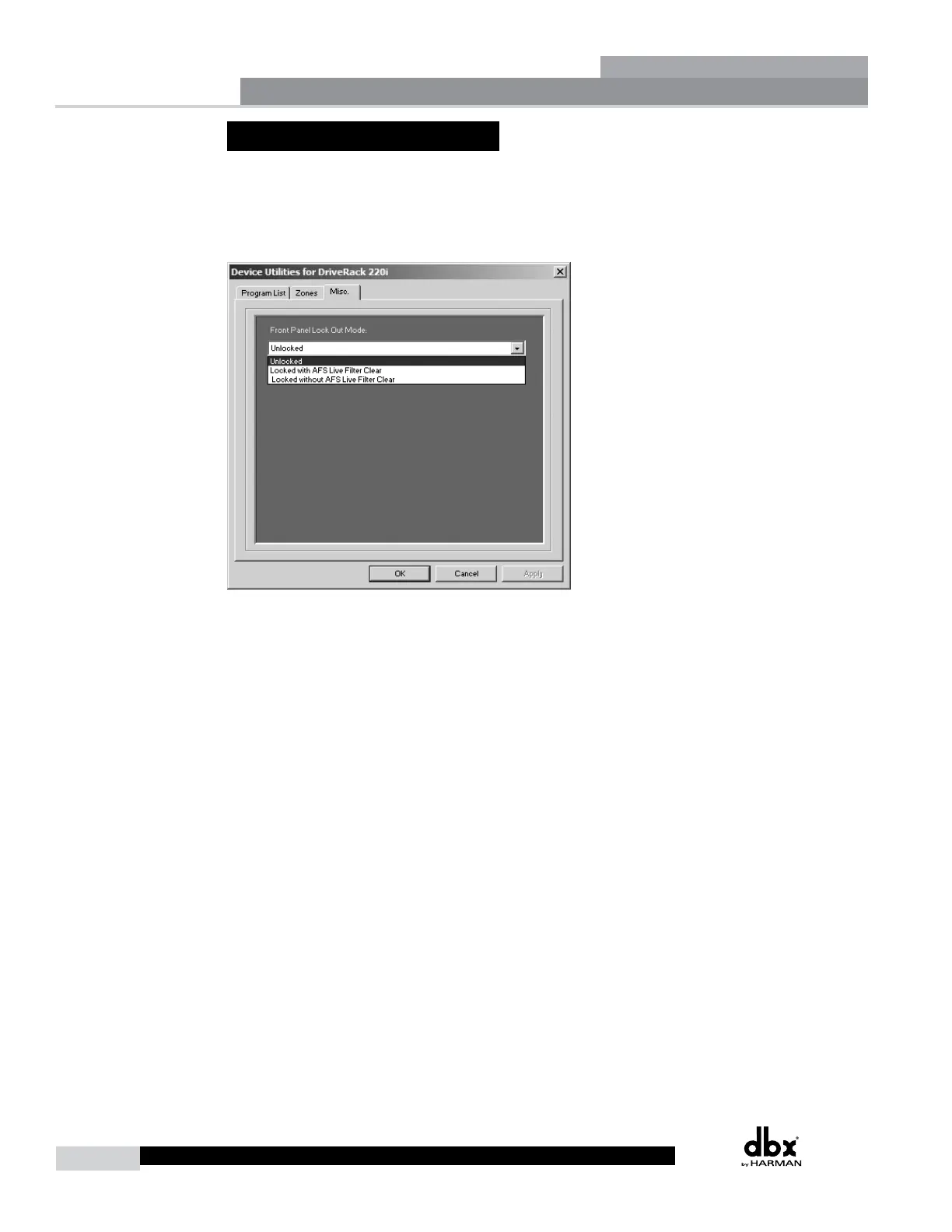
The Utility menu of the 220i also offers the option of performing a front panel lockout. This is the
perfect security deterrent for unwanted editing. Open the utility menu by selecting Edit on the Menu Bar
and then clicking on Utilities. Select the tab labeled Misc. and select Front Panel Lockout Mode. You
can then choose between a complete Front Panel Lockout, Front Panel Lockout with Filter Clearing, or
Unlocked.
Utilities
Section 4



 To Next Page