35
220i
DriveRack
®
User Manual
Programming
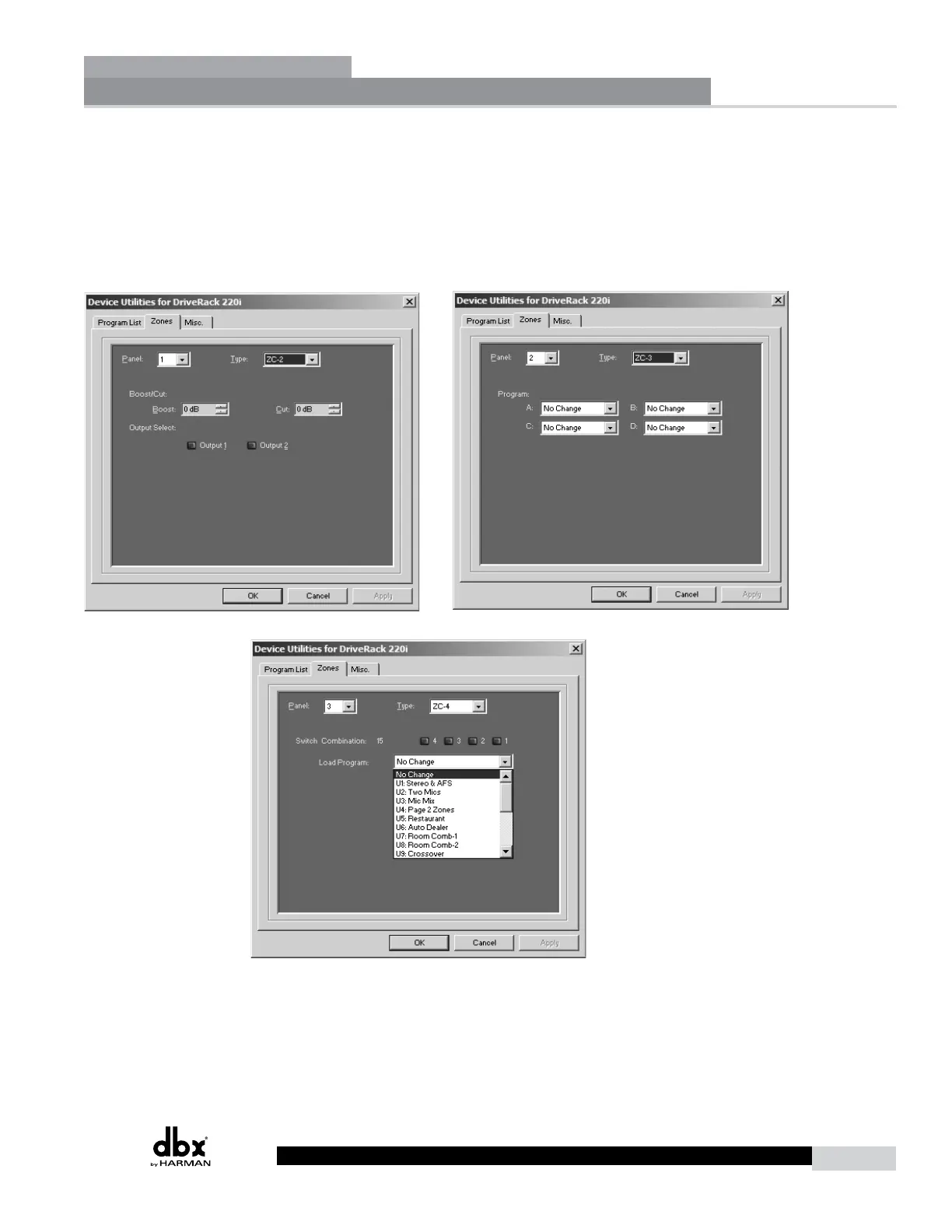
To be programmed, each Zone Controller must have its identification set using the DIP switches on the
rear of the panel. The Zone Controllers are programmed from the Utility menu in the GUI. The Zone
Controllers are programmed from the Utility menu in the GUI. The ZC-3 and ZC-4 allow program
selection from either a wall panel, or contact closures. The diagrams on the following page show screen
shots from the GUI, a ZC-3 being programmed with the selected programs and the panel that is assigned
and a ZC-4 being programmed with up to four contact switches and the program that each of these
combinations of switches will load.
Utilities
Section 4



 To Next Page