EtherSeries EMB-02 User’s Guide
4
Physical Details
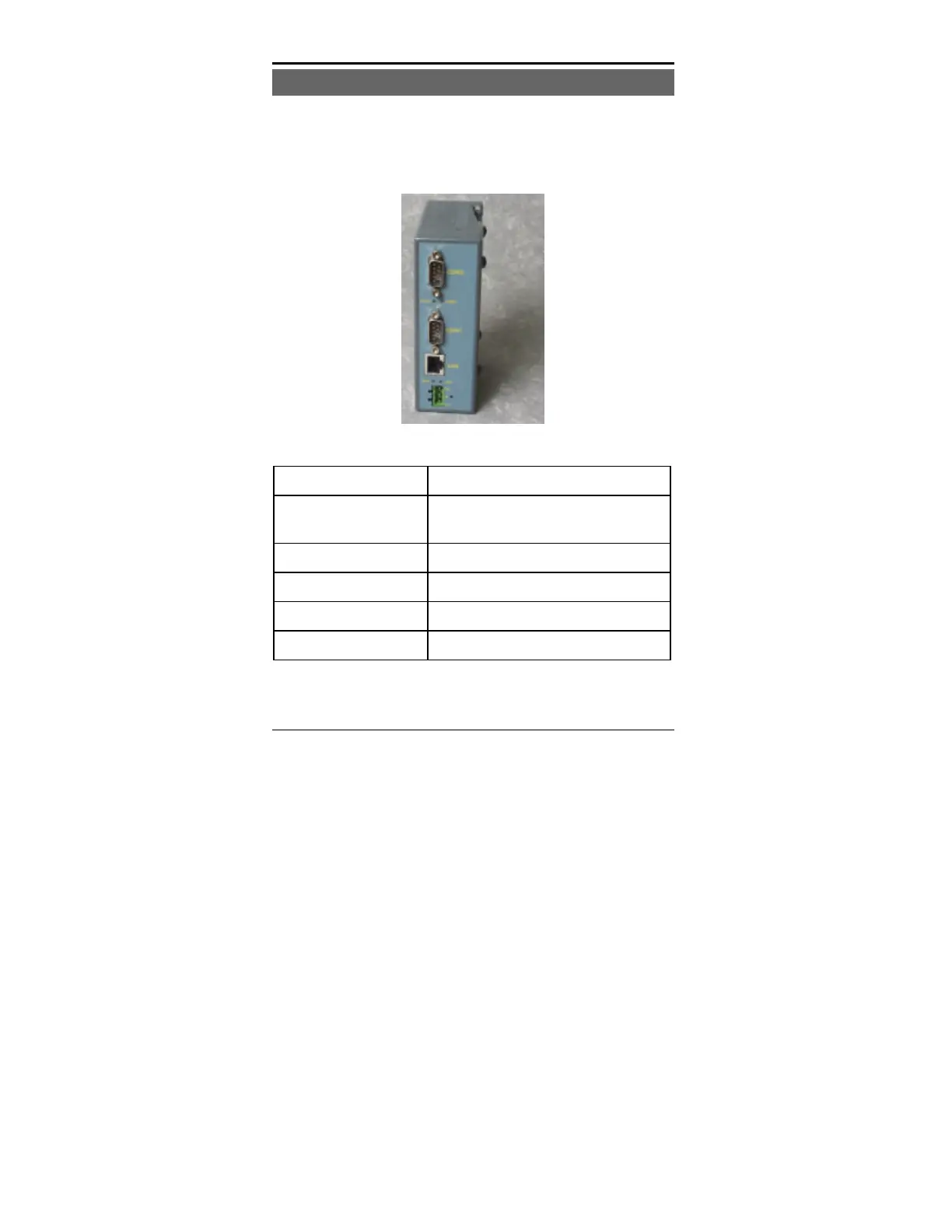
The EMB-02 front panel is shown below.
Figure 1: EtherSeries EMB-02
1 Power port Connect the power adapter here.
2 10/100Base-T
port
Connect LAN cabling here.
3 Red LED RUN Indicator
4 Red LED LAN Indicator.
5 RS-232 Port 1 DE-9 (DB-9) Serial Interface
6 RS-232 Port 2 DE-9 (DB-9) Serial Interface.



 To Next Page