EtherSeries EMB-02 User’s Guide
34
Serial Port Configuration Screen
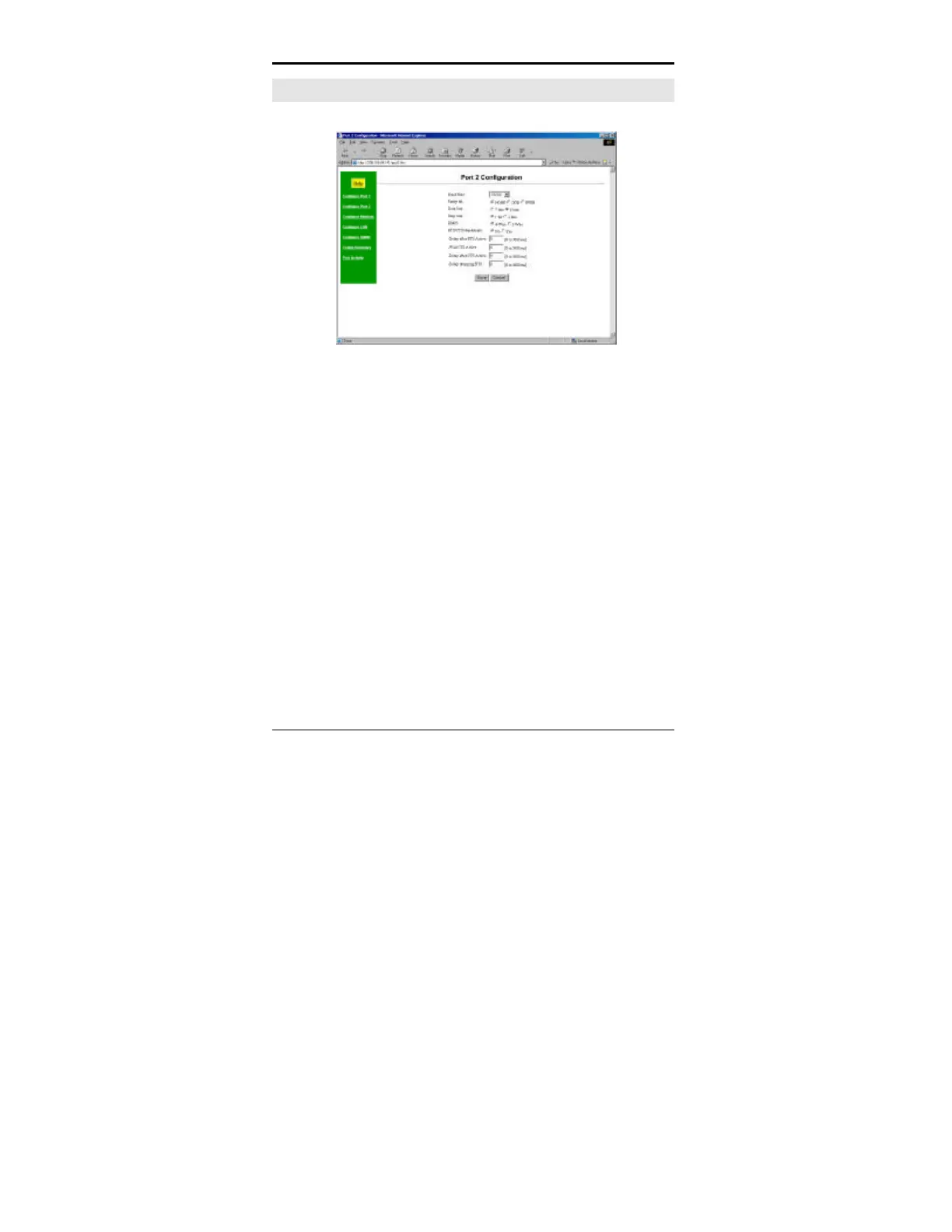
Figure 2: Serial Configuration Screen
This screen allows you to configure the Serial Ports one and
two. The settings used should match the device connected to
this serial port. See Chapter 3 for details on these settings.
There will be one screen for each serial port. The screen will
only include the field “RS-485” if the port is jumpered for RS-
485.



 To Next Page