EtherSeries EMB-02 User’s Guide
38
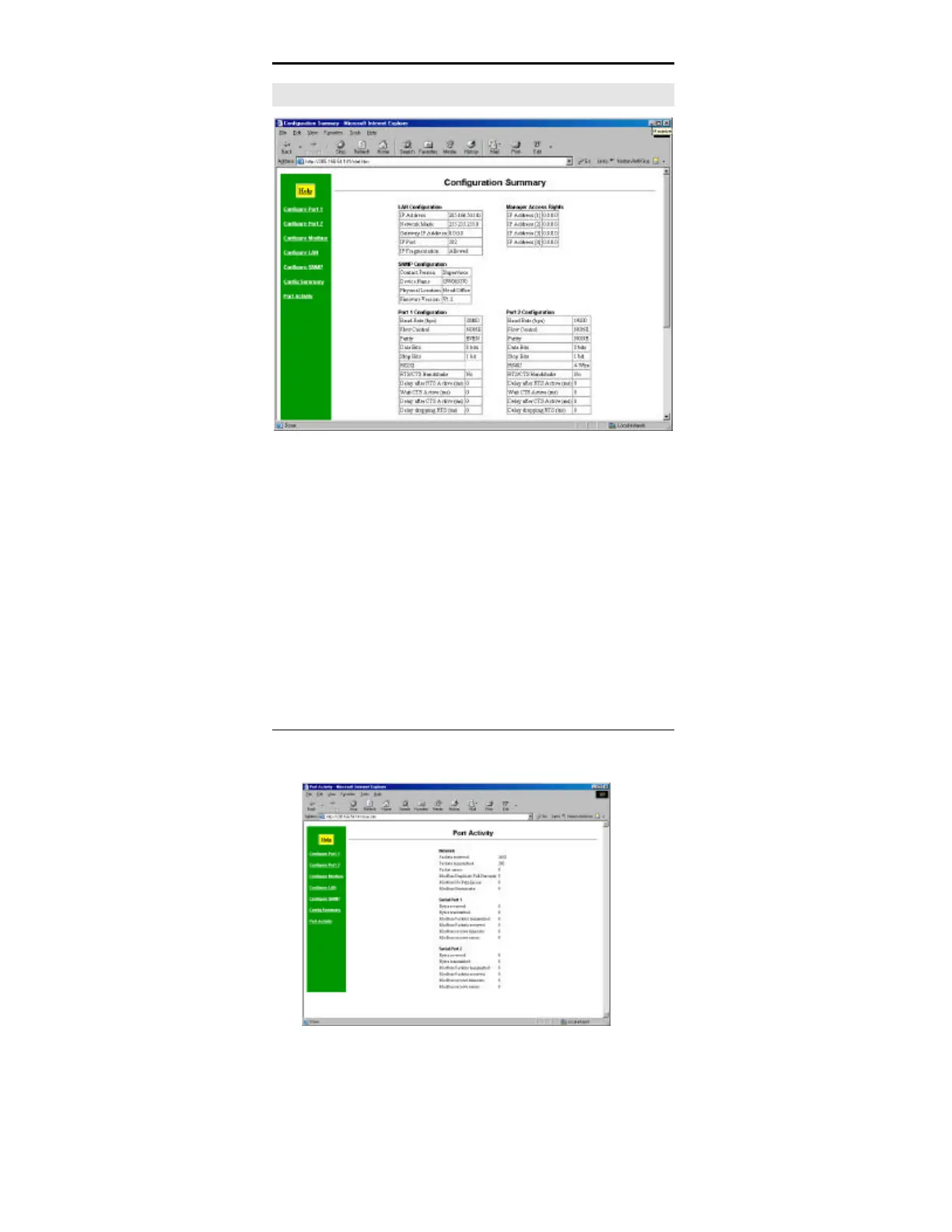
Configuration Summary Screen
Figure 6: Configuration Summary Screen
(Top portion shown)
Operation
• This screen displays all current settings for this
gateway.
• Clicking the "Set to Defaults" button will restore ALL
values to their factory default values.
When this is done, the unit will reboot, and the
existing connection will be lost. You must reconnect
using the default IP Address of 192.168.1.1.



 To Next Page