Troubleshooting
35
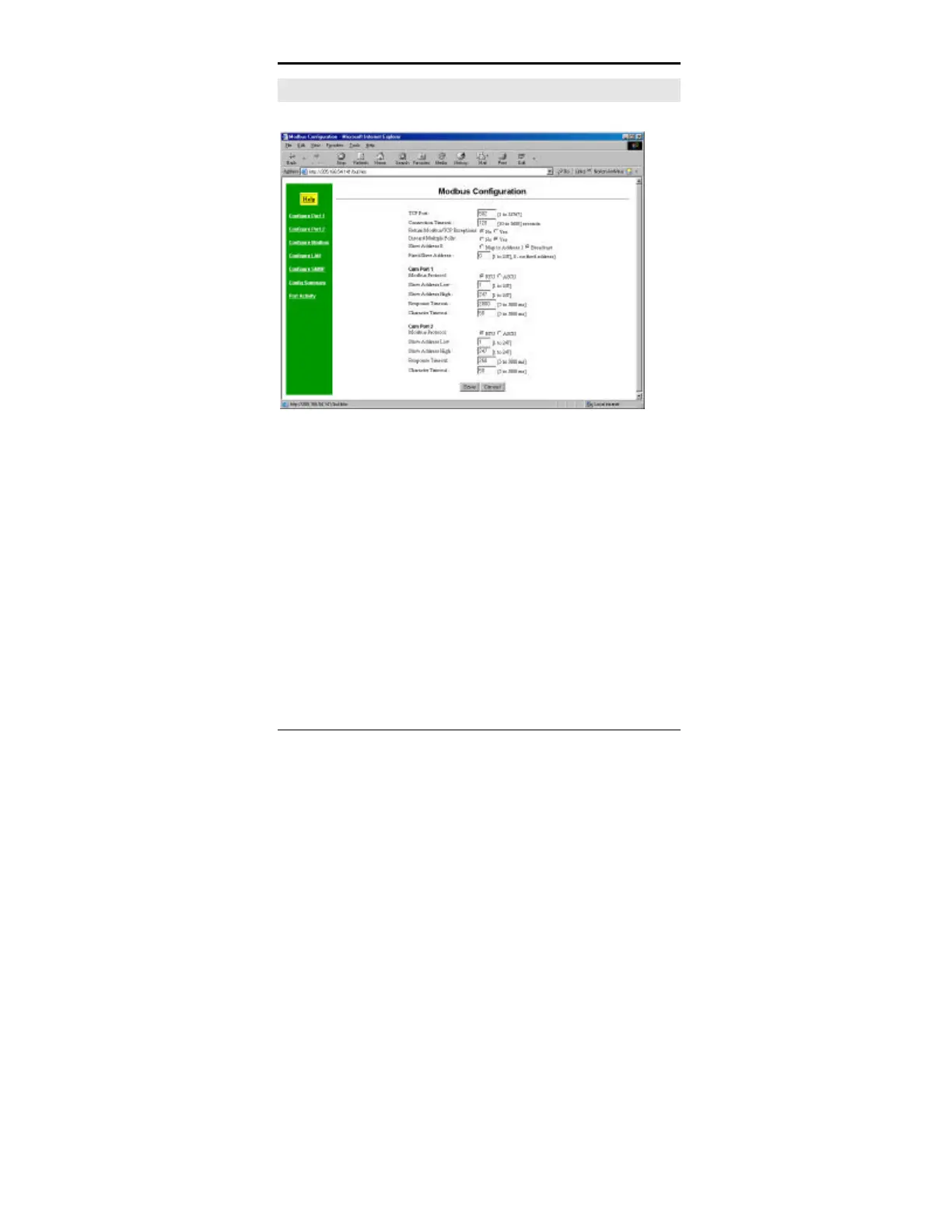
Modbus Configuration Screen
Figure 3:Modbus Configuration
This screen is used to configure all Modbus parameters. Note
that two menus are used for these values in the Telnet
Configuration method… “Configure Modbus/TCP” and
“Configure Modbus Serial”.



 To Next Page