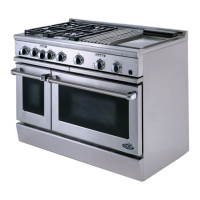
BEFOREUSING YOUR APPLIANCE
1) Remove all packaging materials and labels from your appliance. If the installer has not set up your
appliance, do it now. Check that you have the following items:
COOKTOP:
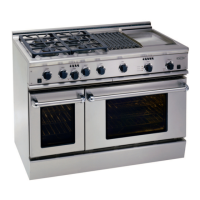
• Griddle - (RDS-364GD, RDS-486GD, RDS-484GG, and RDS-485GD Models Only)
• Grill racks,2 pieces - (RDS-364GL, RDS-486GL & RDS-484GG Models Only)
• 5 burner head assemblies, burner caps and grates (RDS-305 and RDS-485GD Models Only)
• Radiant tray - to hold ceramic rods for grill - (RDS-364GL, RDS-486GL & RDS-484GG
Models Only)
• One removable drip tray (griddle and grill models have drip tray liners,for catching grease)
27" & 24" OVEN:
• Two removable StainlessSteel3 position RackSlideAssemblies
• One,Two-piecebroil pan
• ThreeOven Racks
12" OVEN:
• Twoovenracks
• TworemovableRackSupports
• One,Two-piecebroilpan
NOTE:If any ore missing, contact DCS at (888) 281-5698. Please be prepared with your Model No.,
Serial No. and description of problem.
2) Place the oven racksin the proper position before turning on the oven. For correct rack position
check your recipe. The most frequently used position is number 2. The rack positions are numbered
from the bottom as in the floors of a building. (Fig. 1)
Rack Positions
I., ..,J
J OOO0 OOu
Fig. I


 To Next Page