6
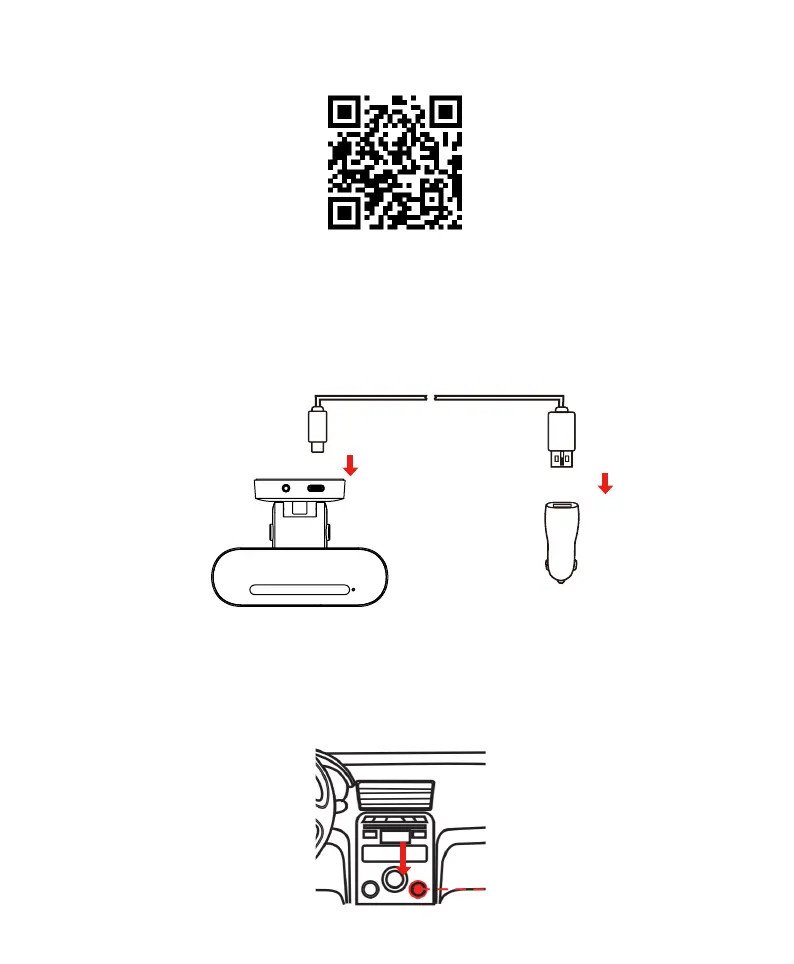
1. Scan to install the DDPAI App on smartphone.
Note: Please grant the DDPAI App relative application permissions to install, otherwise it may lead the
connection failure.
For more details, please see Download and Install the DDPAI App.
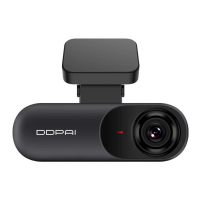
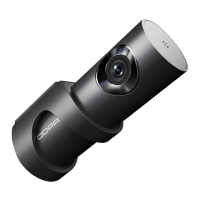
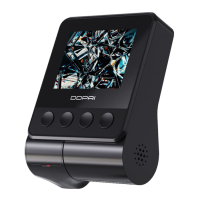
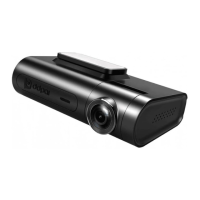
2. Connect the N3 Pro power cable, start the vehicle and turn on the N3 Pro.
a. Take out the N3 Pro host, holder, vehicle charger, Type-C power cable.
b. Connect the USB connector of the power cable to the N3 Pro and insert the other end into the power port
of the N3 Pro.
c. Insert the vehicle charger into the cigarette lighter socket and start the vehicle.
Then the N3 Pro will automatically power on with the welcome greeting "Hello, DDPAI". When the indicator
light turns blue from purple, it indicates that the Dash Cam power on normally, otherwise, please check the
fault according to the status of the indicator. For a detailed description of the status of the indicator light,
please see Read the Indicator Light.
car cigarette lighter



 To Next Page