4 THE KD2 PRO UTILITY KD2 Pro
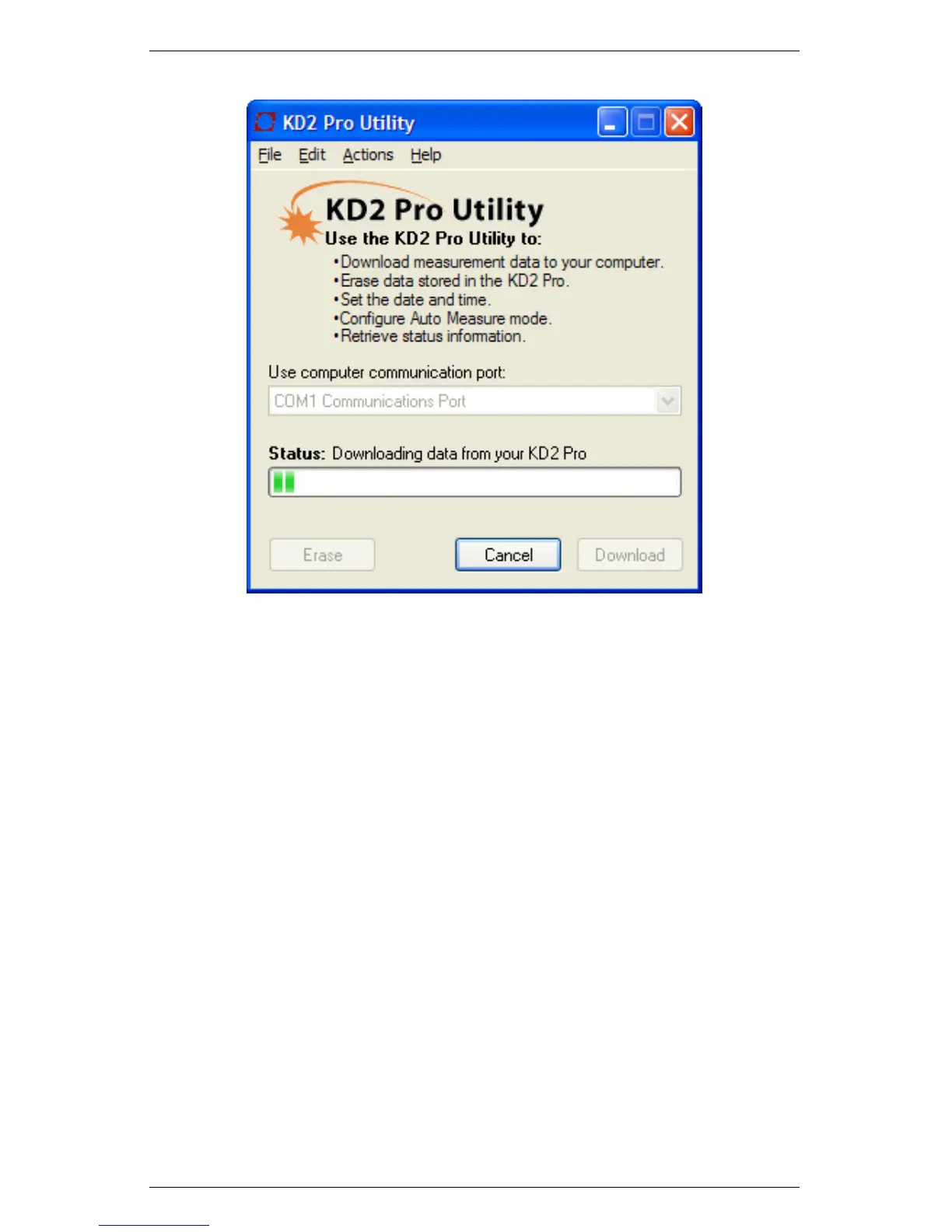
Figure 3: KD2 Pro Downloading Data
Note: You can cancel a download in progress using the cancel button.
If you cancel, it does not save any downloaded data.
Erase Data Removes all data from the KD2 Pro. This is an ir-
reversable function.
Edit Menu
The Edit menu contains the cut, copy, paste, preferences, and select
all features. The important feature here is the Preferences window.
The Preferences window allows you to modify program and commu-
nication settings for the KD2 Pro. The Preferences window has three
tabs: the Data File, Communications, and Application tabs.
30



 To Next Page