4 THE KD2 PRO UTILITY KD2 Pro
loaded data files. You can select to use “Windows Regional and
Language Options,” 24-hour time, or 12-hour time.
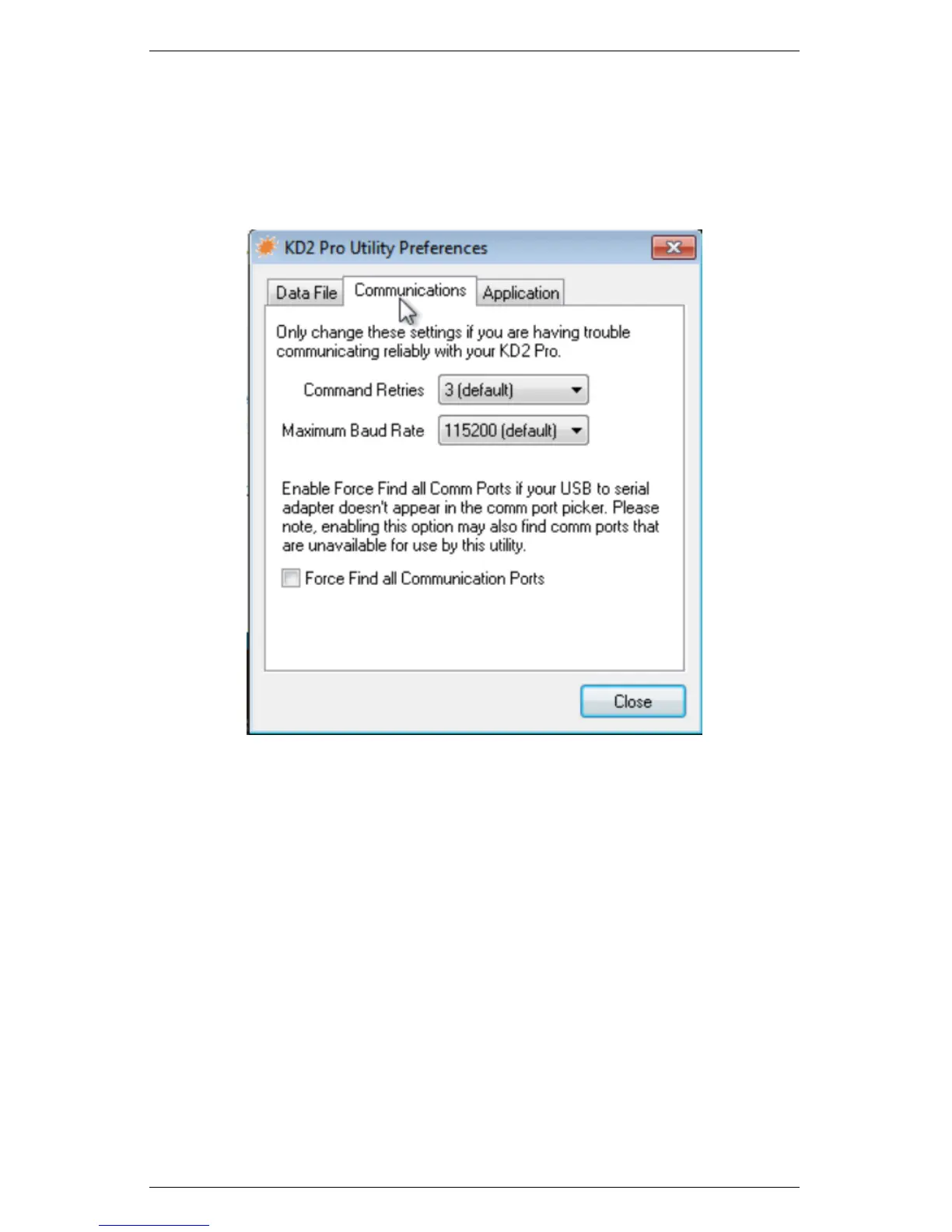
Communications Tab
Figure 5: Preferences Menu – Communications Tab
Command Retries: If you encounter difficulty communicating
with your KD2 Pro, you can set the number of times the computer
should automatically try sending communications commands again
(up to ten times).
Maximum Baud Rate: You can set the maximum baud rate for
talking to your KD2 Pro. Choose a lower baud rate if you are not
getting reliable communications from your device.
Force Find all Communications Ports: This detects all COM
ports on your computer, and should be used if your USB-to-Serial
adapter does not appear in the “Use computer communication port”
32



 To Next Page