KD2 Pro 4 THE KD2 PRO UTILITY
control.
Application Tab
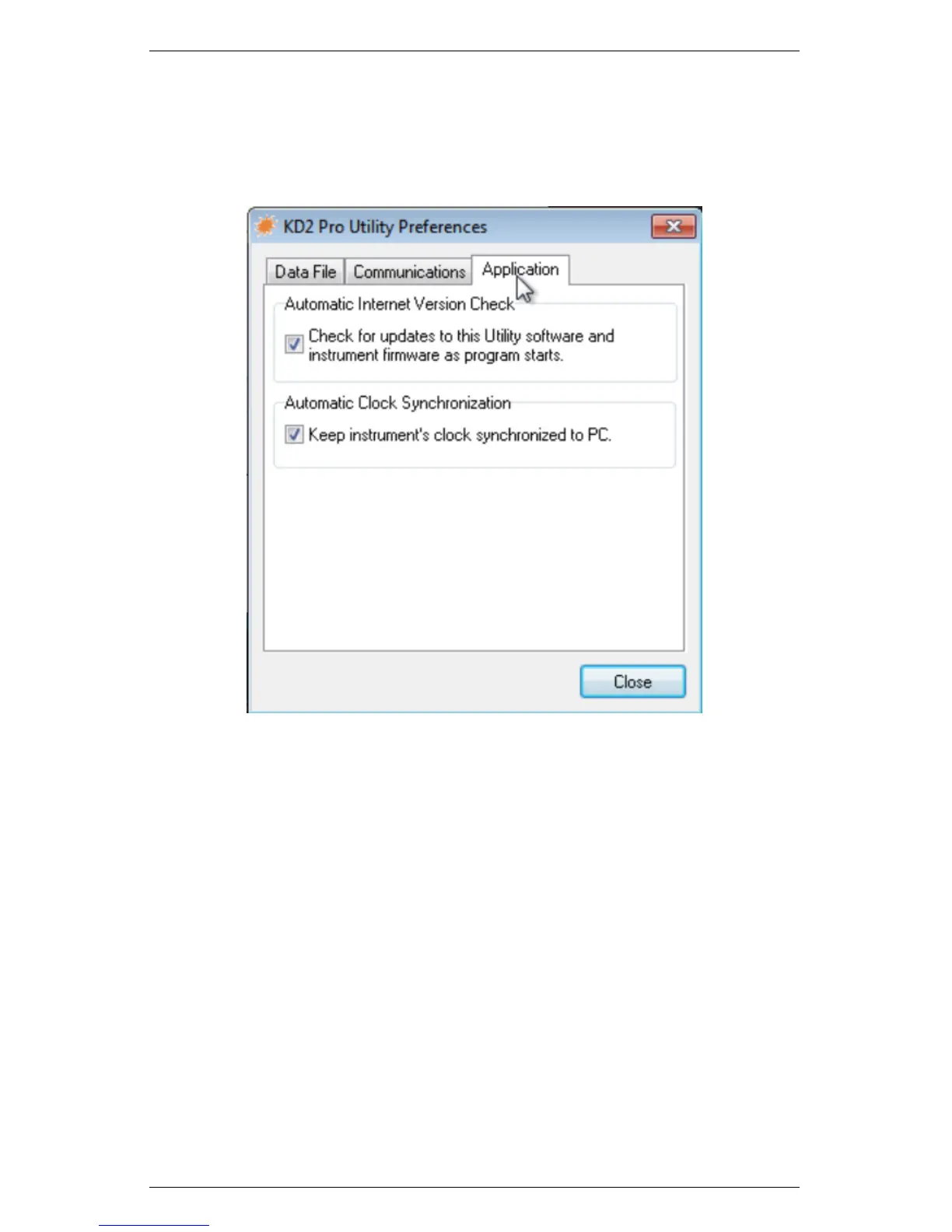
Figure 6: Preferences Menu – Application Tab
Automatic Internet Version Checks: If you select this option,
the KD2 Pro Utility automaticallys check for a newer version using
Decagon’s Internet version check engine. It notifies you when a newer
version is available when your computer is connected to the Internet.
You can turn off the automatic check by unchecking this option. You
can manually check for updates anytime using the “Check for Utility
Updates...” option in the Help menu.
Automatic Clock Synchronization: Automatically sets the KD2
Pro time to your computer time, when you are connected to it. (See
instructions for setting this manually later in section 4.)
33



 To Next Page