GHD
™
& Scout
™
User’s Manual
GHD
™
& Scout
™
User’s Manual
8
25/Aug/2010
• Opening the GHD or the SCOUT (other than battery
replacement) automatically voids any warranty still in
eect. There are no user serviceable parts inside.
• Do not expose the GHD or the SCOUT to excessive
moisture. Never submerge the device. Violation of these
guidelines may void the warranty.
• Do not drop the GHD or the SCOUT on hard surfaces
since damage could occur. Units damaged by dropping
or abuse are not covered for warranty repair.
2. Receiving Inspection
When you receive your radar, inspect all components for freight
damage that might have happened during shipping or unloading.
• Notify the freight company immediately of any damage,
preferably while the driver is present.
• Record the damage on the bill of lading and keep a record of the
problems or damage.
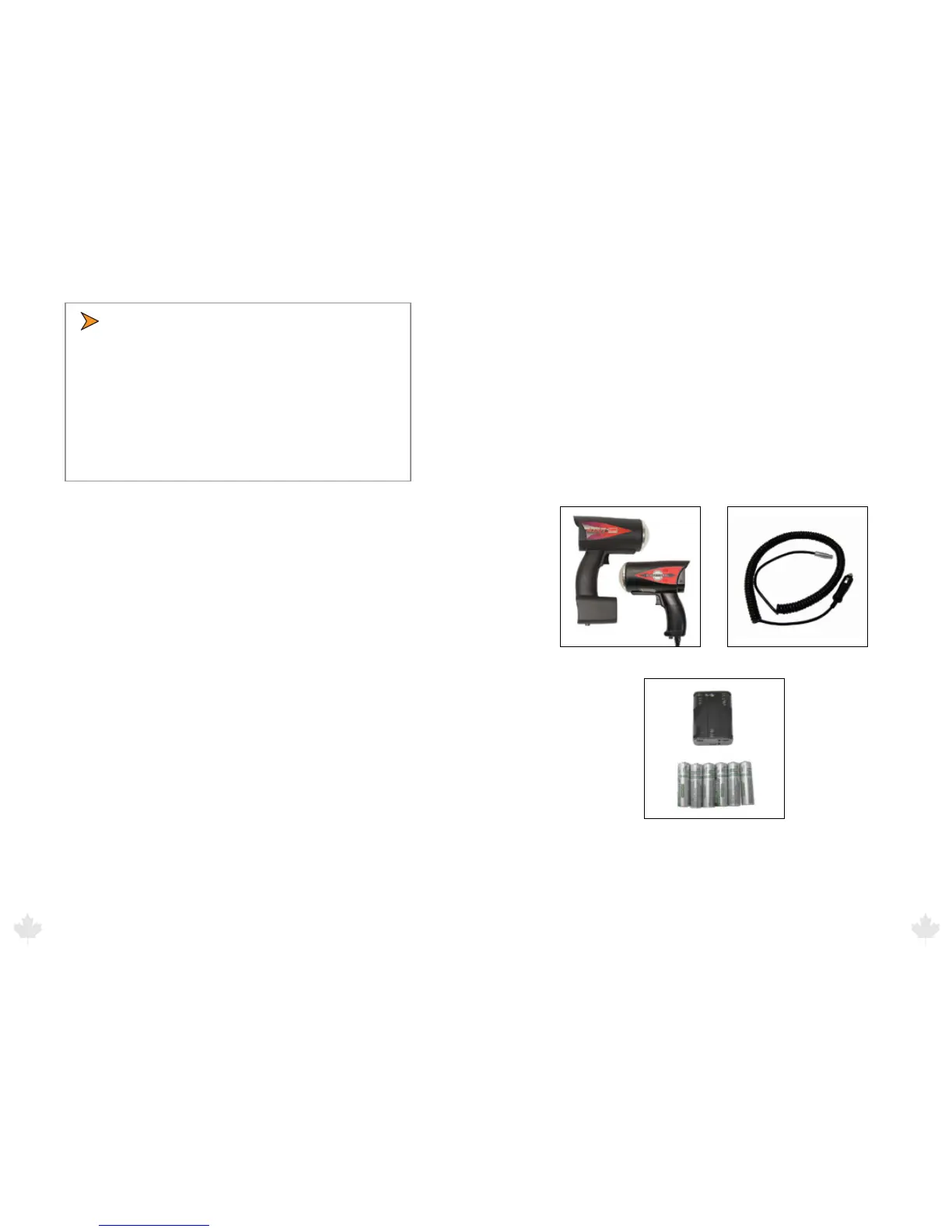
• The package should include the following pictured items along
with this User’s Manual.
Scout or GHD Radar Detachable Power Cable (Scout)
Batteries/Battery Holder (Scout)
25/Aug/2010
9



 To Next Page