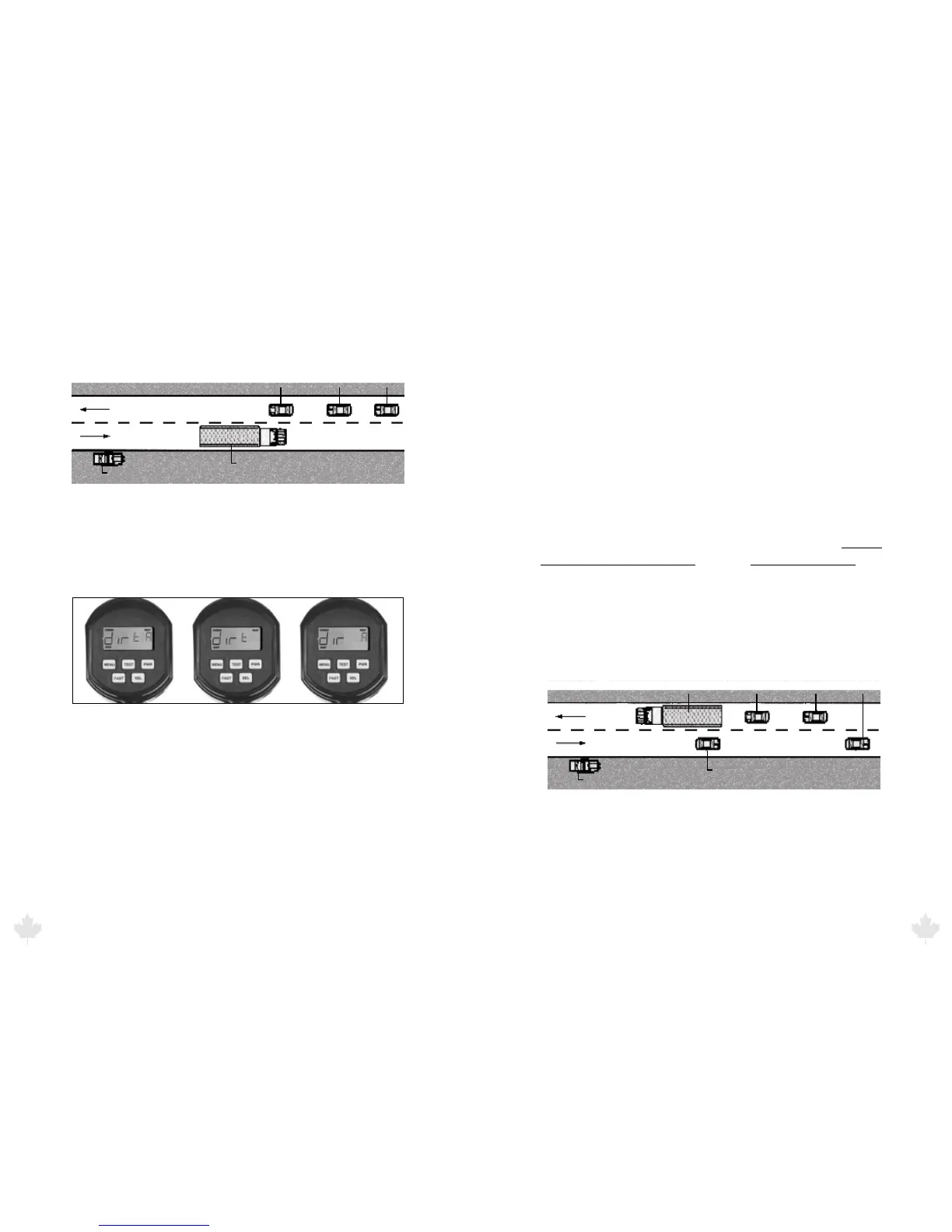
Figure 5.2a
Evaluating multiple targets in Faster Mode.
While in directional mode t (toward only), the radar gun does not
track the truck going 88 km/h. It displays the car going 98 km/h.
Figure 5.2b
The directional setting displays tA, t or A
You can change the dir option to t to display only the speeds of
targets coming toward you or A to display only the speeds of targets
moving away from you. When you are in t A mode, the radar will
display a t or an A depending on the direction the target is traveling.
If the radar cannot determine the target direction, the direction
indicator will not display. Target direction, t or A, will display in
the right window to indicate the target’s direction unless the right
window is in use by another function.
5.3 Strongest Signal Mode
All radar track the strongest signal, an essential function of tracking
history. The radar defaults to the strongest signal-tracking mode and
will stay in this mode until you press the FAST button. In Strongest
Signal tracking mode, the radar displays the speed of the vehicle with
the strongest return signal, which is often the closest car. This speed
appears in the left window.
5.4 Faster Mode
The advanced signal processing algorithms in the GHD & SCOUT
simultaneously track multiple vehicles. In Faster mode, the radar
takes the strongest return signal and uses it as a reference level.
It then looks at the return signal levels from all other vehicles
going faster than the strongest vehicle and compares them to that
reference level. It will display the speed of the vehicle that is moving
faster than the strongest signal and is the next strongest target. In
multiple target situations, the next strongest target going faster than
the strongest is often closest to the strongest vehicle. The FAST icon
illuminates when in faster mode.
There are two dierent Faster target modes: Faster-Toggle mode and
Faster-Hold mode.



 To Next Page