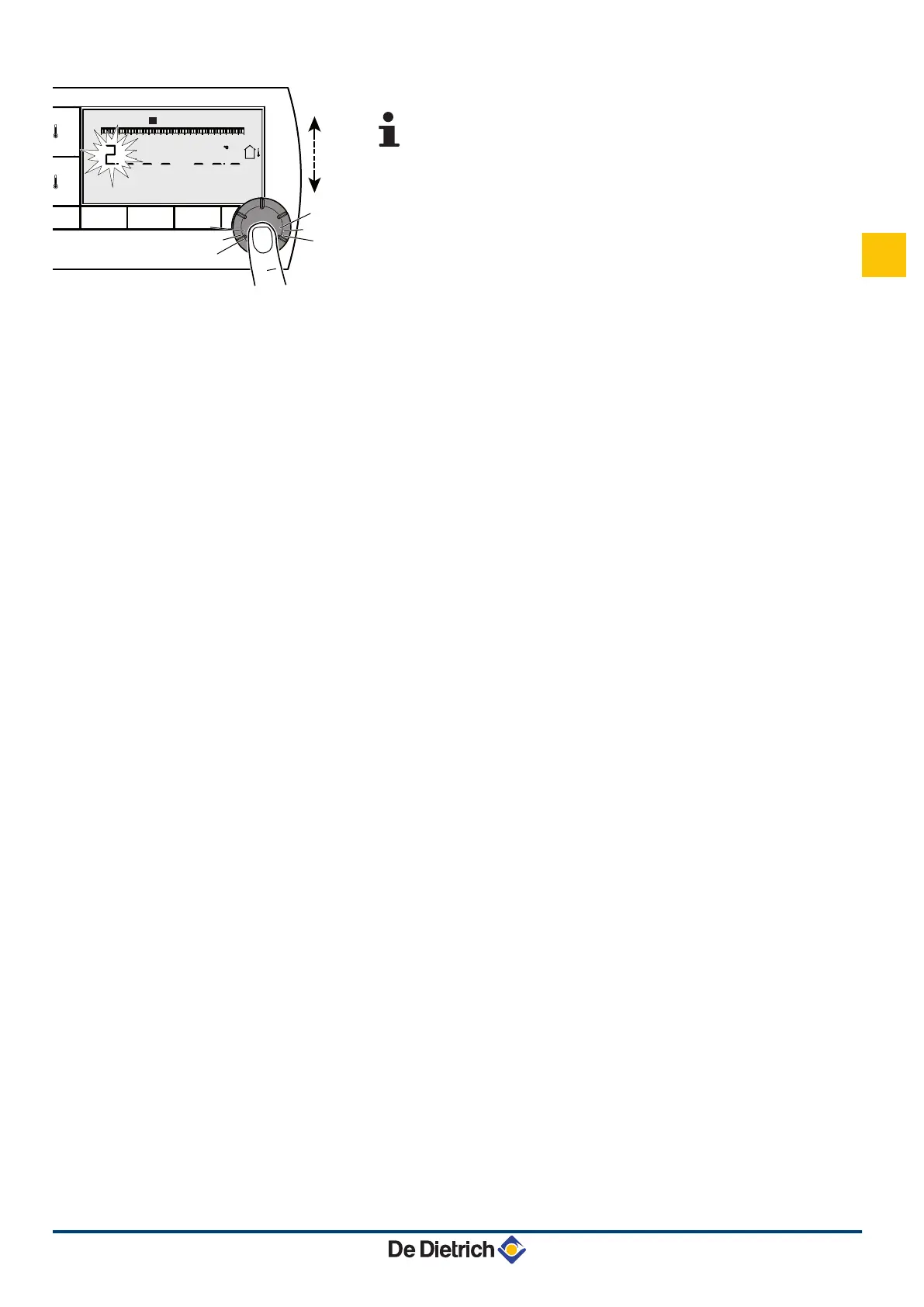
2. Press the rotary button 2 times to display the menu 2.
To go back to the previous display, press the key r.
3. To modify the setting, turn the rotary button.
I : Outside temperature
O : Ambient temperature
I then O: Outside temperature alternating with room temperature
4. To return to the principal display, press the MODE key or wait 20
seconds.
C002390-A
MODE
r
x
2 4 5 6 7
0 2 4 6 8 10 12 14 16 18 22 2420
c
CDR4 - Package AD253 - Package AD284 3. Operating instructions
23/06/2011 - 300020530-001-C
45
EN


 To Next Page