20
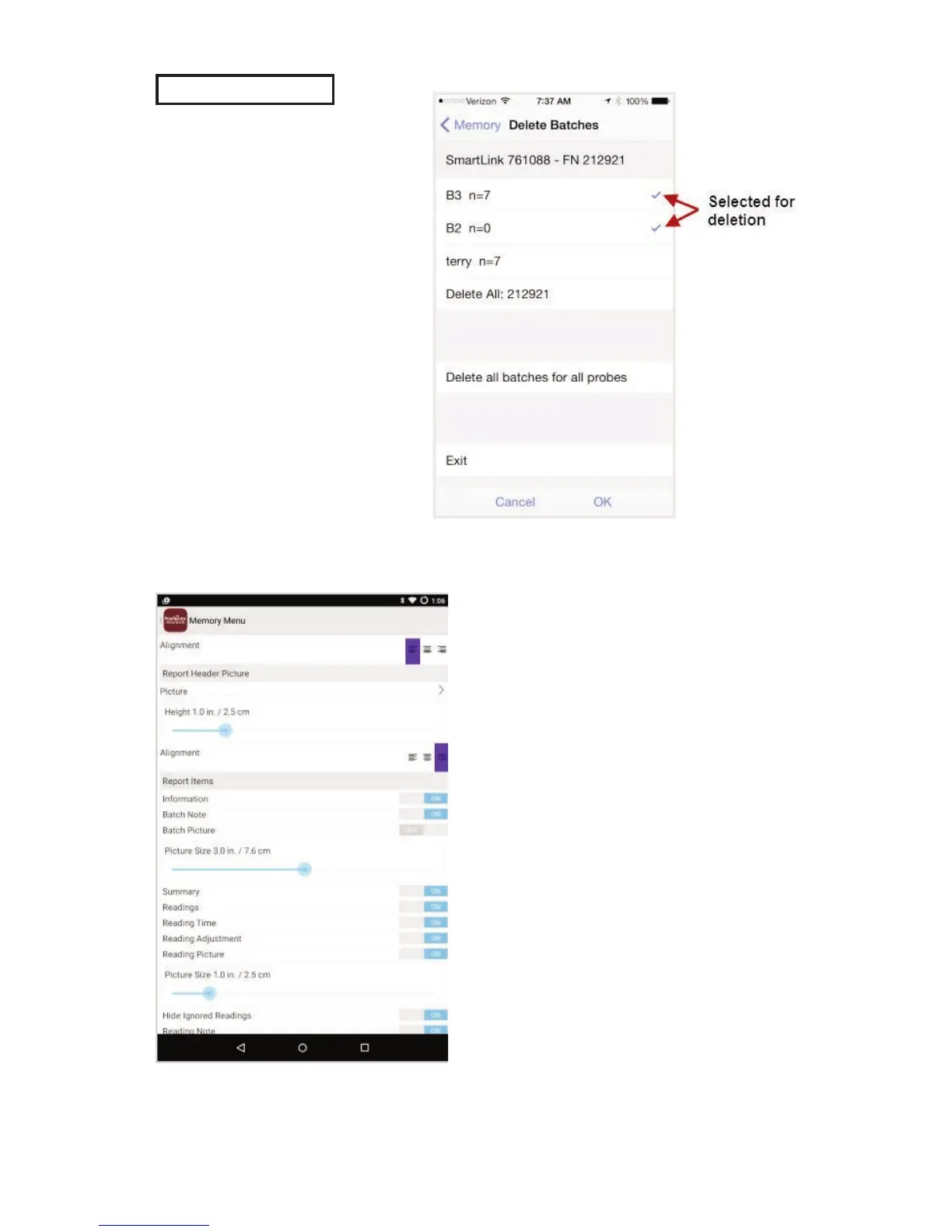
Delete
Permanently remove a
batch from the PosiTector
App.
Select batches for
deletion, then select OK.
Or select Delete all
batches for all probes to
permanently delete all
measurement data from
the smart device
(phone/tablet).
Batch Report Configuration
Customize reports using the
Batch Report Configuration to...
include/exclude notes•
images•
logo•
company/report name•
fonts•
alignment•
image sizes •
and more



 To Next Page
 Loading...