Page 7
Setting the clock.
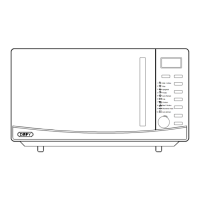
When the oven is first plugged in, the display will flash ”:0” and a tone will sound. If the power
should ever be interrupted, the display will show ”:0”when the power supply is restored.
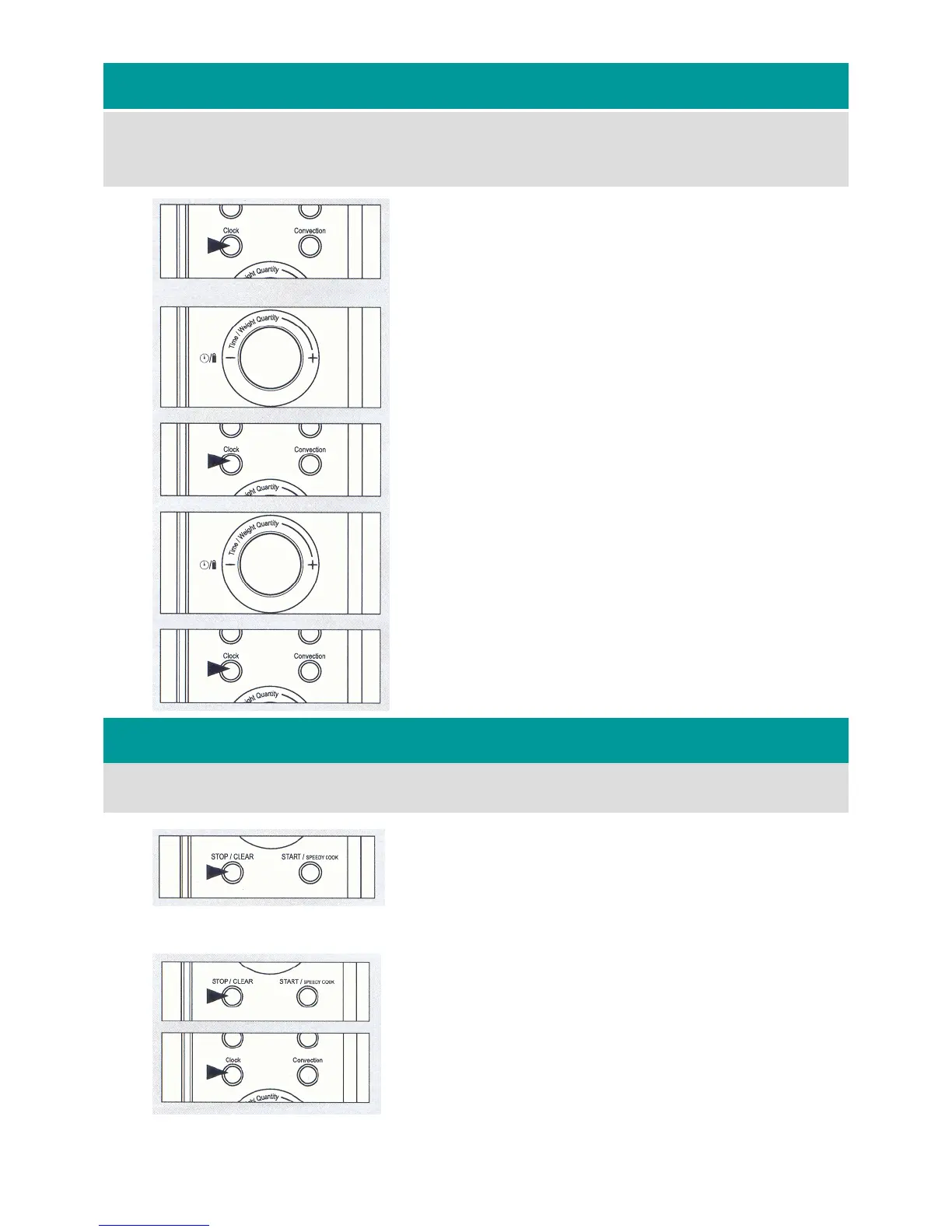
The clock has a 12hour and a 24hour display. To set the clock, proceed as follows:
Child lock.
1. To select a 12 hour display, press the Clock button once.
12H is displayed.
2. To select a 24 hour display, press the Clock button once
more. 24H is displayed.
3. Turn the jog dial knob until the desired hour is dis-
played.
4. Press the Clock button.
5. Turn the jog dial knob until the desired minutes are dis-
played.
6. Press the Clock button.
7. The clock is now operational.
Activating the Child lock, will prevent the oven from being used.
To lock the controls, proceed as follows:
1. Press and hold the STOP/CLEAR button for 3 sec-
onds. The oven will beep and the lock indicator light
will glow.
2. To cancel the lock, press and hold the STOP/CLEAR
button for 3 seconds. The oven will beep, the lock in-
dicator light will switch off and normal use may re-
sume.
1
2
3
4
5
6


 To Next Page