Delem
V0614, 2.5
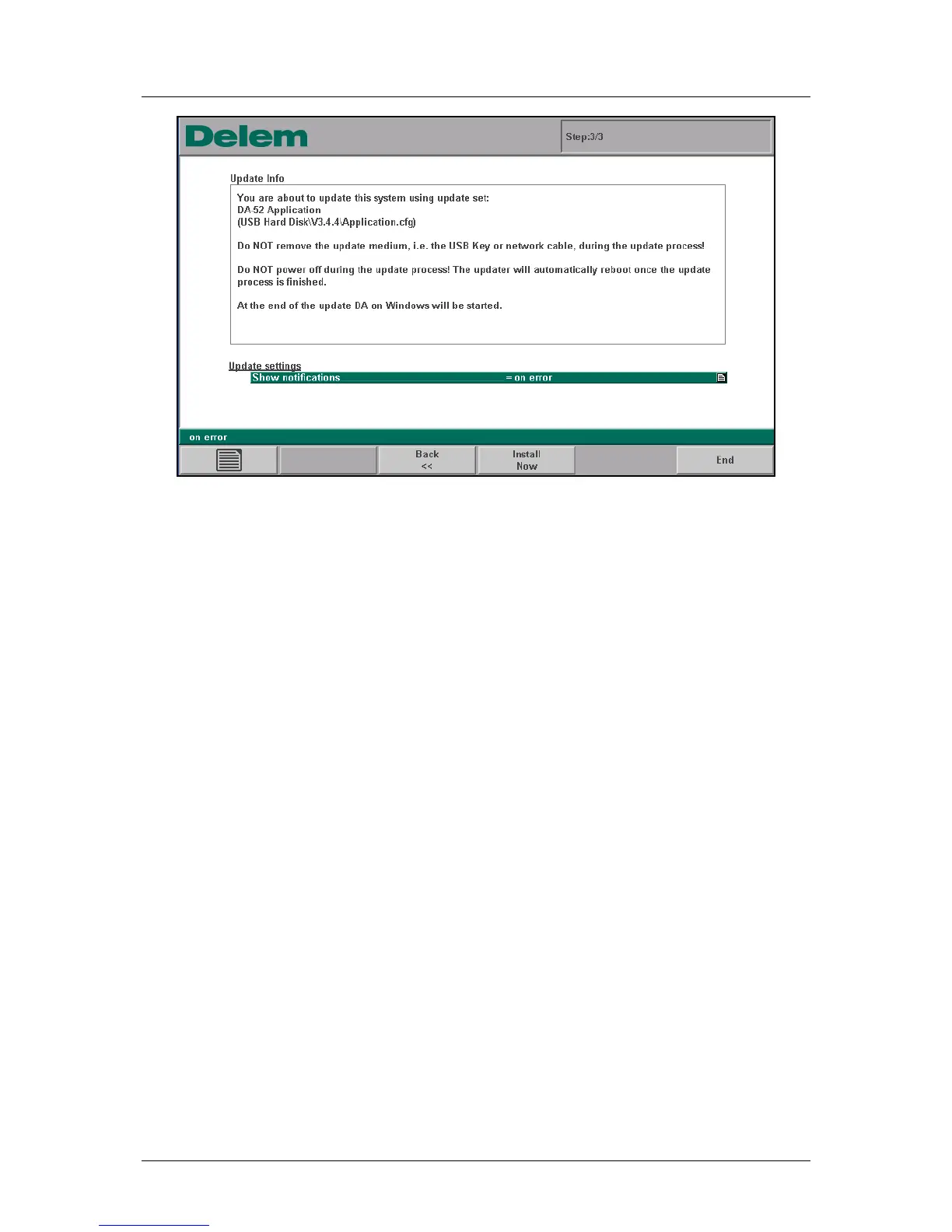
Figure 1.c
This third window shows the final information about the software update and a warning not to
interrupt the update process. On the bottom, two parameters are available to modify the
update behaviour:
Show notifications
Determine when messages must be displayed during the update.
Always: the updater will produce a message window after each stage of the update. With
this setting on, the update process can be monitored in detail.
On error: you will not receive intermittent messages, unless an error has occurred.
Normally the setting 'on error' will suffice, unless you wish to follow the update process
closely.
Automatic reboot when finished
Choose to let the control restart automatically when the update process has finished: yes or
no.
Press the key ‘Install now’ to start the update process.



 To Next Page