Delem
V0614, 2.26
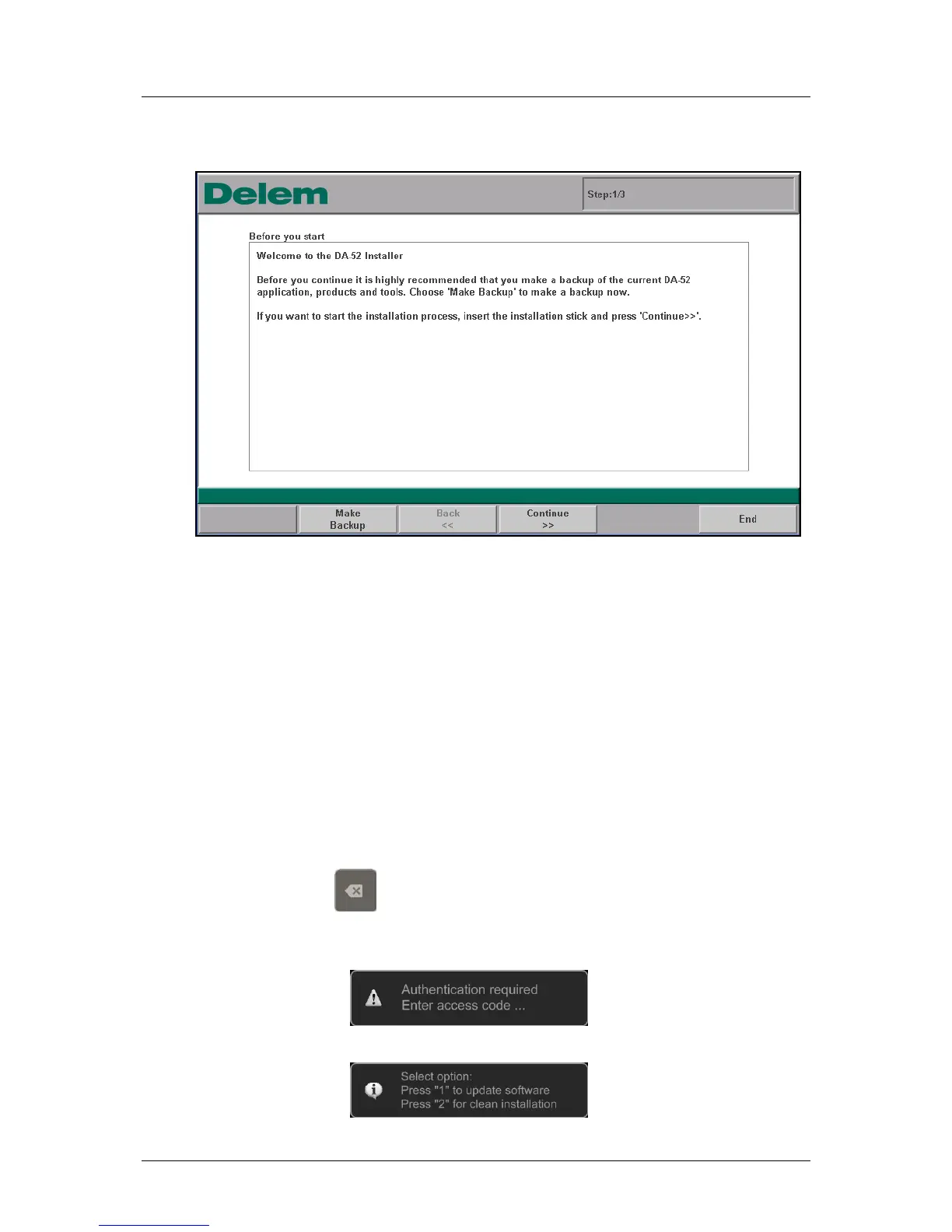
7. The control reboots and starts with the updater:
Figure 2.g
8. Follow the update procedure as described in paragraph 1.2.1, Update procedure.
What to do when the Control does not boot?
(The display shows a black screen with a Delem logo)
Preparation
To perform the procedure on the control the following is necessary:
- empty USB-stick (to create a Rescue-stick if required)
- USB-stick with a backup or update software
Start Procedure:
1. Switch off the power
2. Press and hold the
- key
3. Switch on the power
The following message will appear:
4. Enter access code: 25789 followed by the enter-key
The following message will appear:



 To Next Page