Delem
V0614, 2.27
5. Select option: 2
6. Recover files from the control.
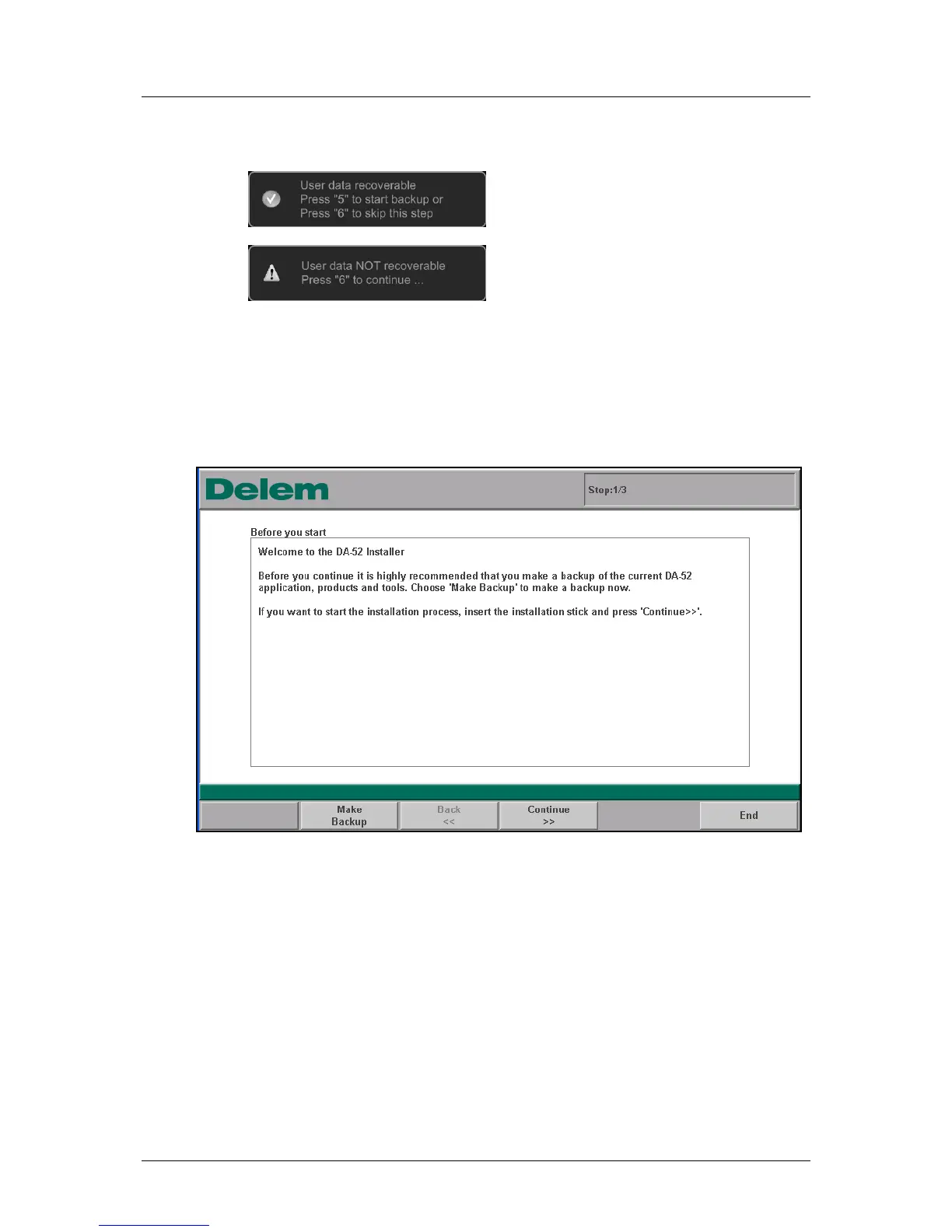
One of following screens will show:
a.
Follow the instruction on the screen (for backup use the empty USB-stick).
b.
Follow instruction on the screen.
7. After the backup the kernel will be installed, follow the instructions on the screen.
(Do not use the USB-stick with recovered data. Use the USB-stick with a backup- or
the update-software).
8. The control reboots and starts with the updater:
Figure 2.h
9. Follow the same update procedure as described in paragraph 1.2.1, Update
procedure.



 To Next Page