Delem
V1204, 2.33
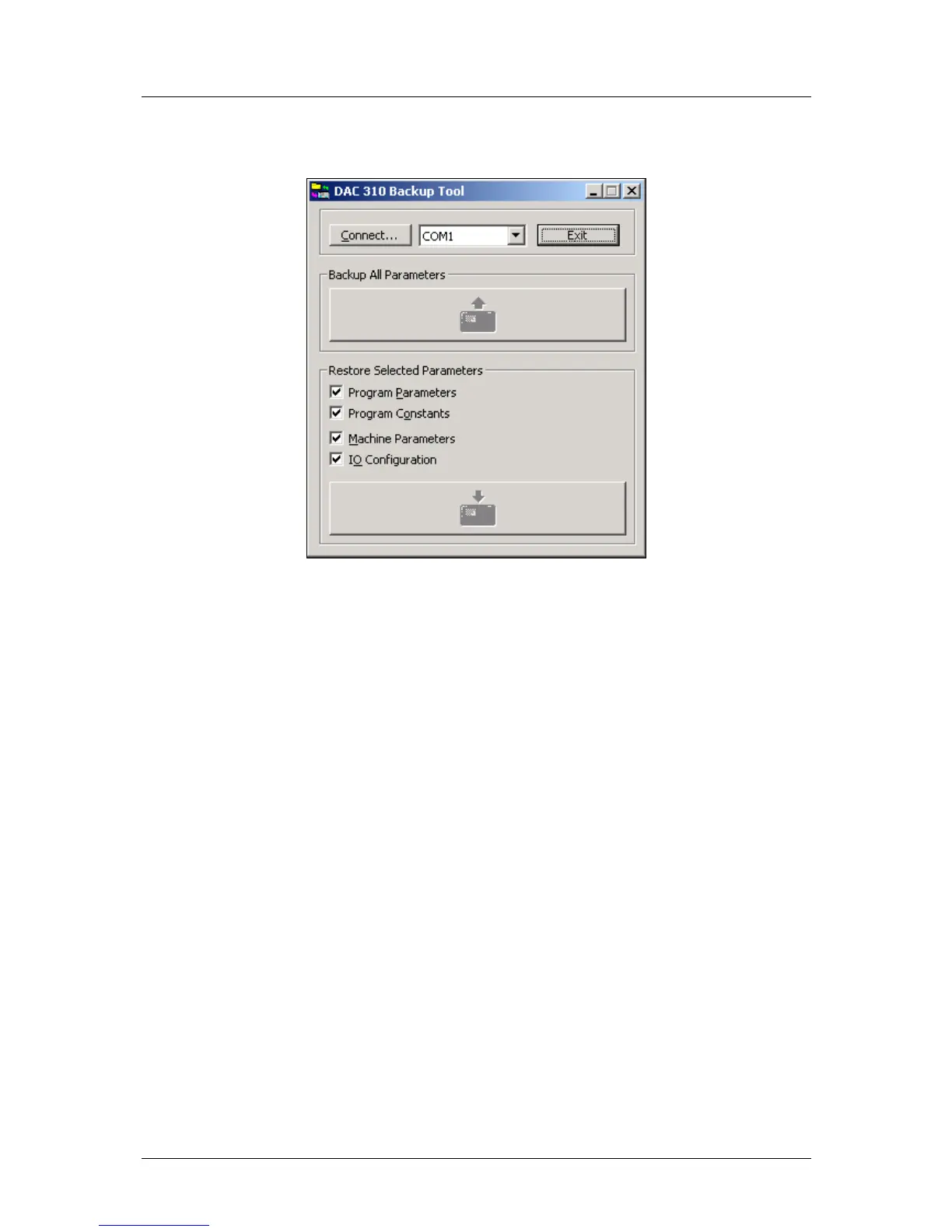
To start the back-up tool, simply double-click its icon. A window appears:
After start-up, the two large buttons for back-up and restore cannot be selected yet. First, click
on the button ‘Connect...’ to establish a connection between the software and the DAC
control. If not succesful, select a different serial port (COM1, COM2, etc.) and try again. If
this still gives no positive result, check your cabling.
When the connection is established, the two buttons will light up.
To store the control settings on the PC:
• click the button ‘Backup’;
• in the dialogue, select a filename and a location for the file with control settings.
To load control settings into the control:
• click the button ‘Restore’;
• in the dialogue, select the file with control settings that must be loaded.
A back-up operation includes all data that is present on the control.
A restore operation offers the possibility to restore only specific data to the control. As shown
above, several types of data can be selected for restoration.
• Program Parameters: all production parameters for the operator, step parameters, etc.
• Program Constants: some program settings for the operator.
• Machine Parameters: machine settings of the control, as described in chapter 2.
• IO Configuration: the I/O settings as described in chapter 1.



 To Next Page