Delem
V1204, 2.34
3.2. Upgrade control
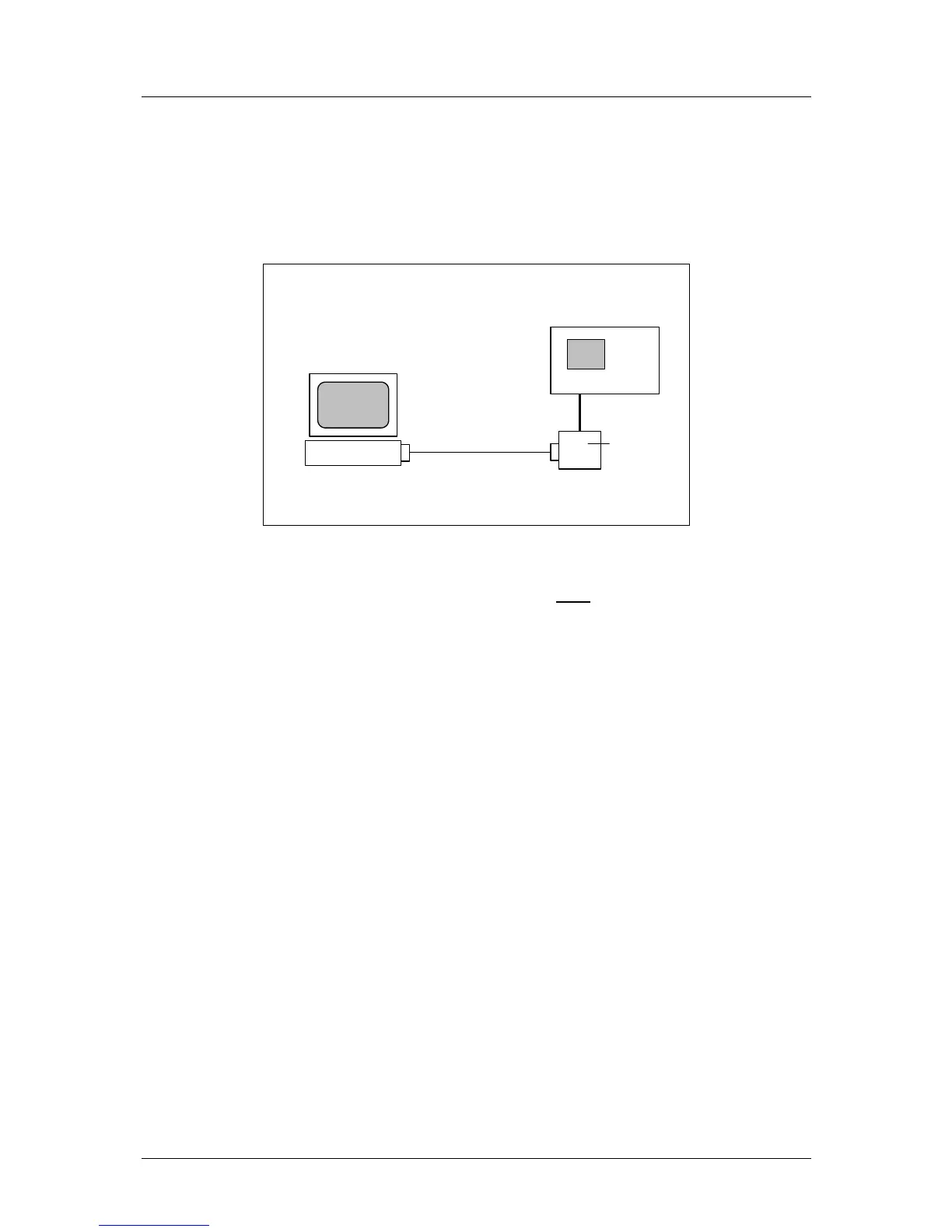
The control can be upgraded with new software. For this procedure, you need the same set-up
as described in the previous section:
RS232
Personal Computer
Windows 2000/XP
Controller
DAC
interface
Figure 3.2.a
In order to perform a succesful upgrade, the RS-232 cable must
be connected to the first serial
port of the PC (COM1).
You also need a program that will load the new software into the control. This program can be
requested from Delem.
Note: before starting an upgrade, first perform a back-up of your control settings. See the
previous section for more information about back-up and restore.
Make sure the necessary cables are connected and the DAC control is switched on. To
perform the upgrade:
• double-click the program icon.
The control is upgaded. A new window appears, which shows a ‘progress bar’. The program
will terminate when the upgrade is complete.
3.3. Reset counters
For maintenance purposes, the control has two count parameters:
• Hours, parameter 91
• Number of strokes, parameter 92.
These parameters can be reset. Proceed as follows:
• in the end user screen ,scroll to the parameter M
• enter code 426426 and press ENTER



 To Next Page