Loading Print Media 23
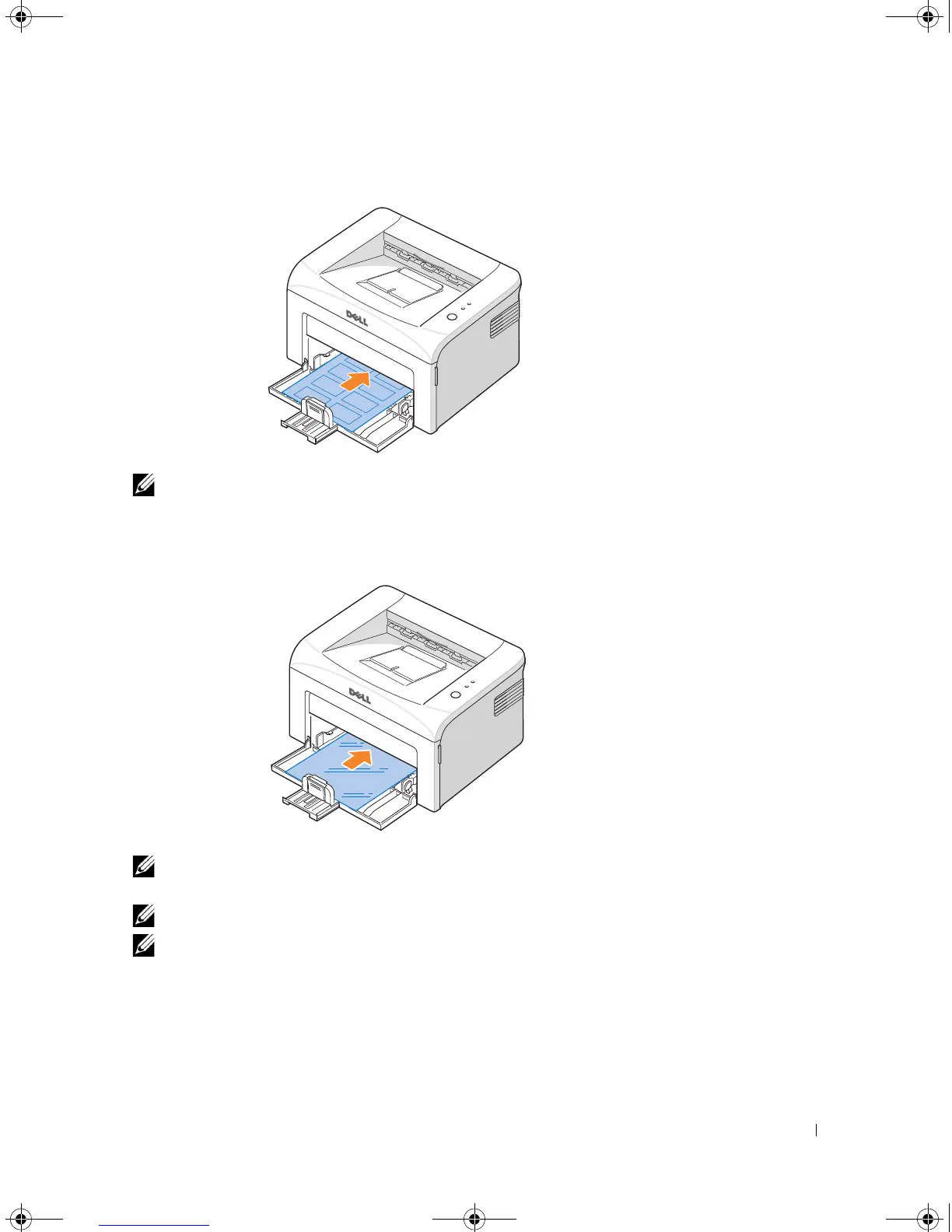
• Load a sheet of labels in the tray
with the side to be printed on facing up
.
NOTE: To prevent labels from sticking to each other, do not let the printed label sheets stack
up as they are printed out.
• Load a transparency in the tray
with the side to be printed on facing up
, and the
top
with the adhesive strip inserted first
.
NOTE: To prevent transparencies from sticking to each other, do not let the printed sheets
stack up as they are printed out.
NOTE: Place transparencies on a flat surface after removing them from the printer.
NOTE: Do not use transparencies that are separating from the backing sheet.
1100-OM_EN.book Page 23 Friday, May 20, 2005 3:14 PM











 To Next Page