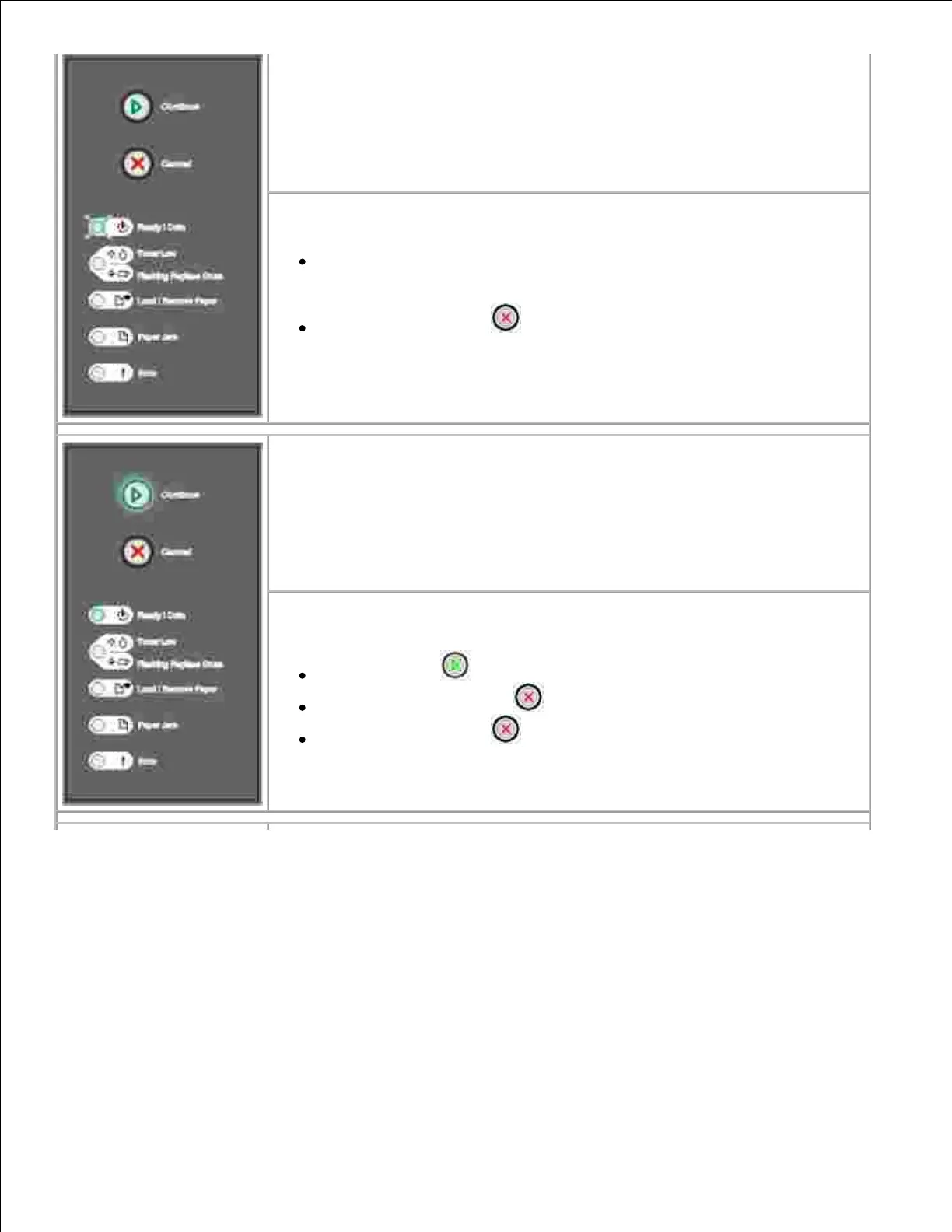
What this light sequence means:
The printer is in the Ready mode, and Hex Trace is active.
What you can do:
Advanced users can use Hex Trace to help troubleshoot printing
problems. After resolving the problem, turn off the printer to exit Hex
Trace.
Press and hold Cancel to reset the printer.
What this light sequence means:
The printer is waiting until a print timeout occurs, or until it receives additional
data.
What you can do:
Press Continue to print the contents of the print buffer.
Press and release Cancel to cancel the print job.
Press and hold Cancel to reset the printer.



 To Next Page