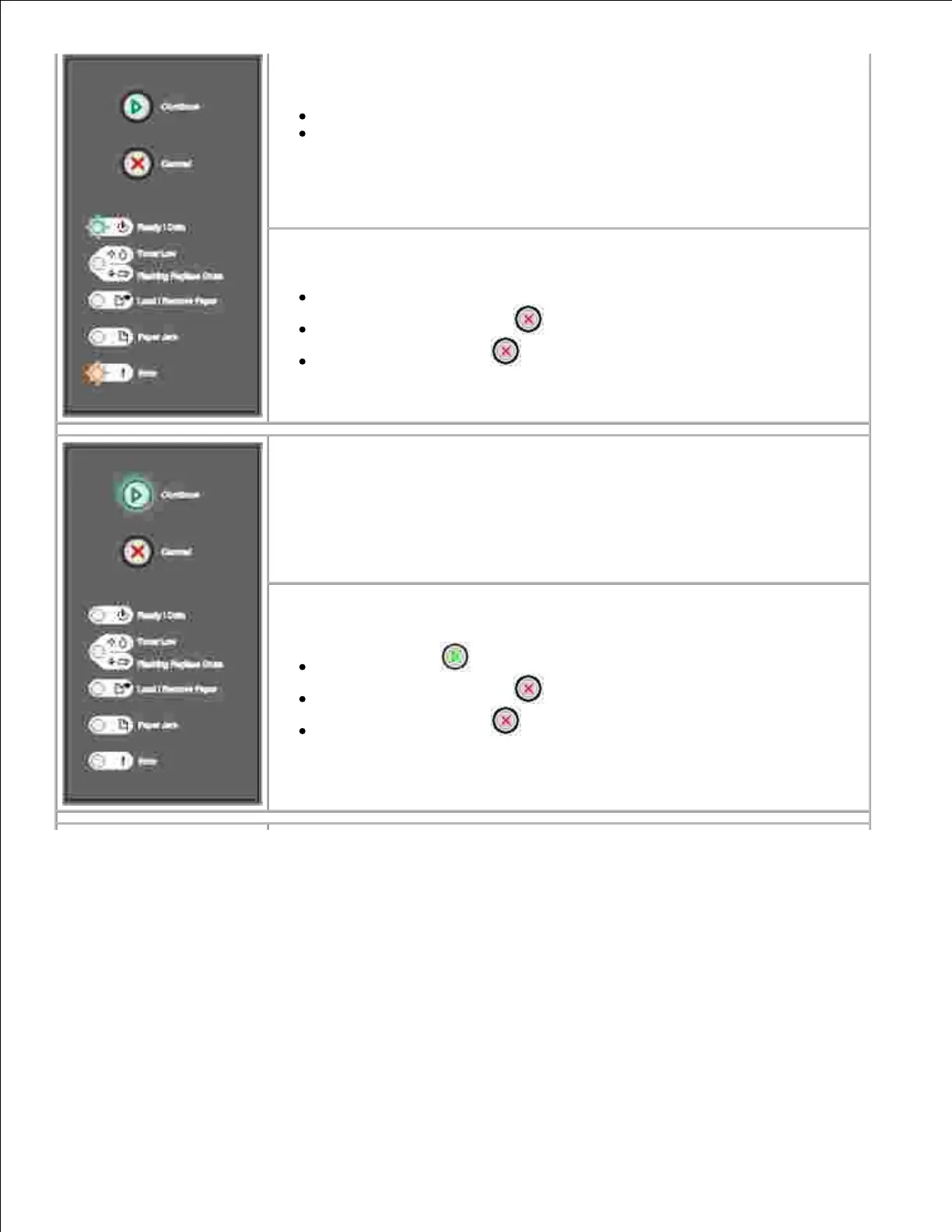
What this light sequence means:
The printer is flushing corrupted print data.
The printer is processing data or printing pages, but the resolution of a
page in the current print job is reduced from 600 dots per inch (dpi) to
300 dpi to prevent a memory full error.
What you can do:
Wait until the operator panel returns to Ready to print other jobs.
Press and release Cancel to cancel the print job.
Press and hold Cancel to reset the printer.
What this light sequence means:
The printer is not ready to receive or process data, or the printer ports are
offline.
What you can do:
Press Continue to return to the Ready or Busy state.
Press and release Cancel to cancel the print job.
Press and hold Cancel to reset the printer.



 To Next Page