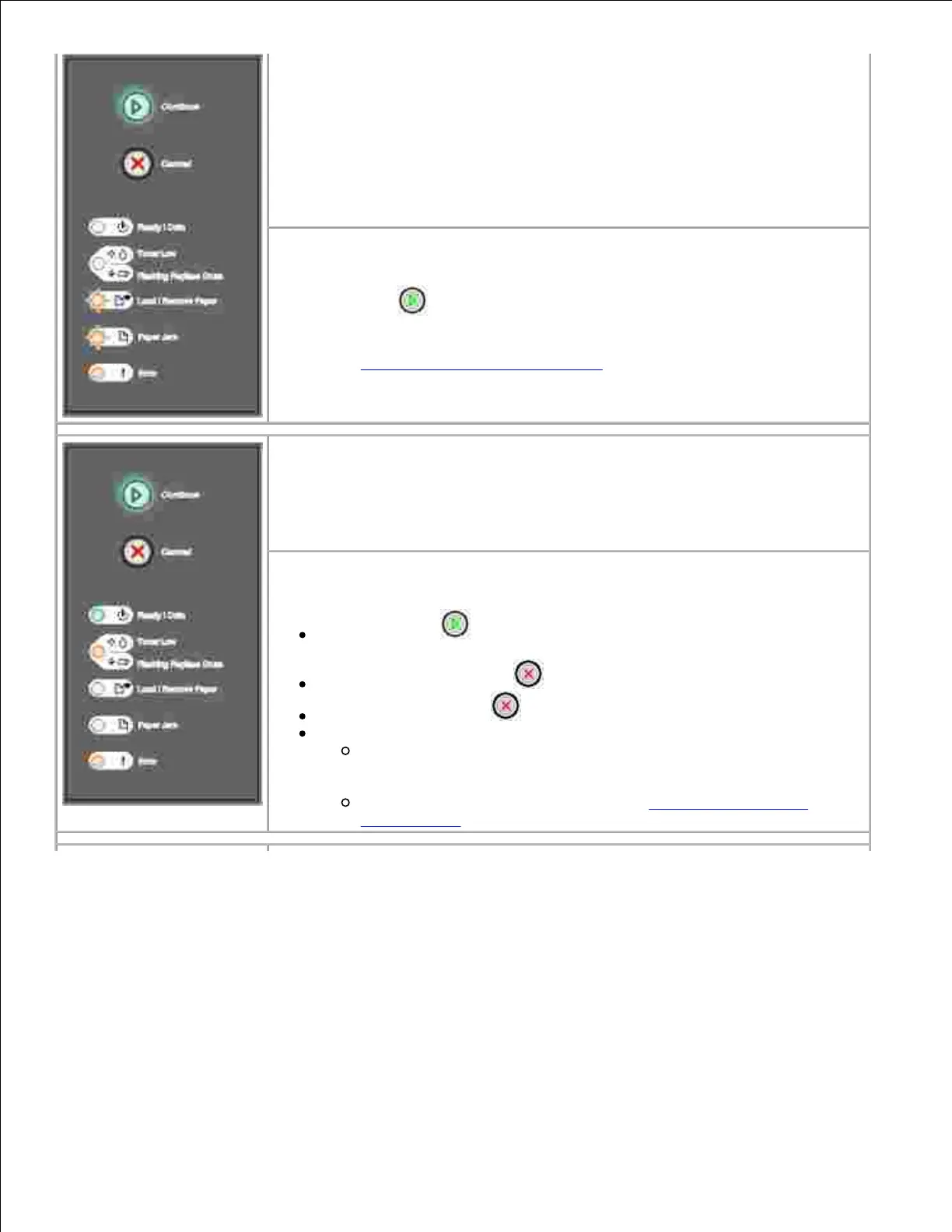
What you can do:
Press Continue to clear the message. The printer discards any print jobs
previously sent. Enable the USB or parallel port by selecting a value other than
Disabled for the USB Buffer or Parallel Buffer item in the Local Printer Setup
Utility (see Dell Local Printer Settings Utility).
Secondary error code
What this light sequence means:
The printer is processing data, but the memory used to store pages is full.
What you can do:
Press Continue to clear the message and continue printing the job
(the job may not print correctly).
Press and release Cancel to cancel the print job.
Press and hold Cancel to reset the printer.
To avoid this error in the future:
Simplify the print job. Reduce the complexity of the page by
reducing the amount of text or graphics on the page and deleting
unnecessary downloaded fonts or macros.
Install additional printer memory (see Installing an Optional
Memory Card).



 To Next Page