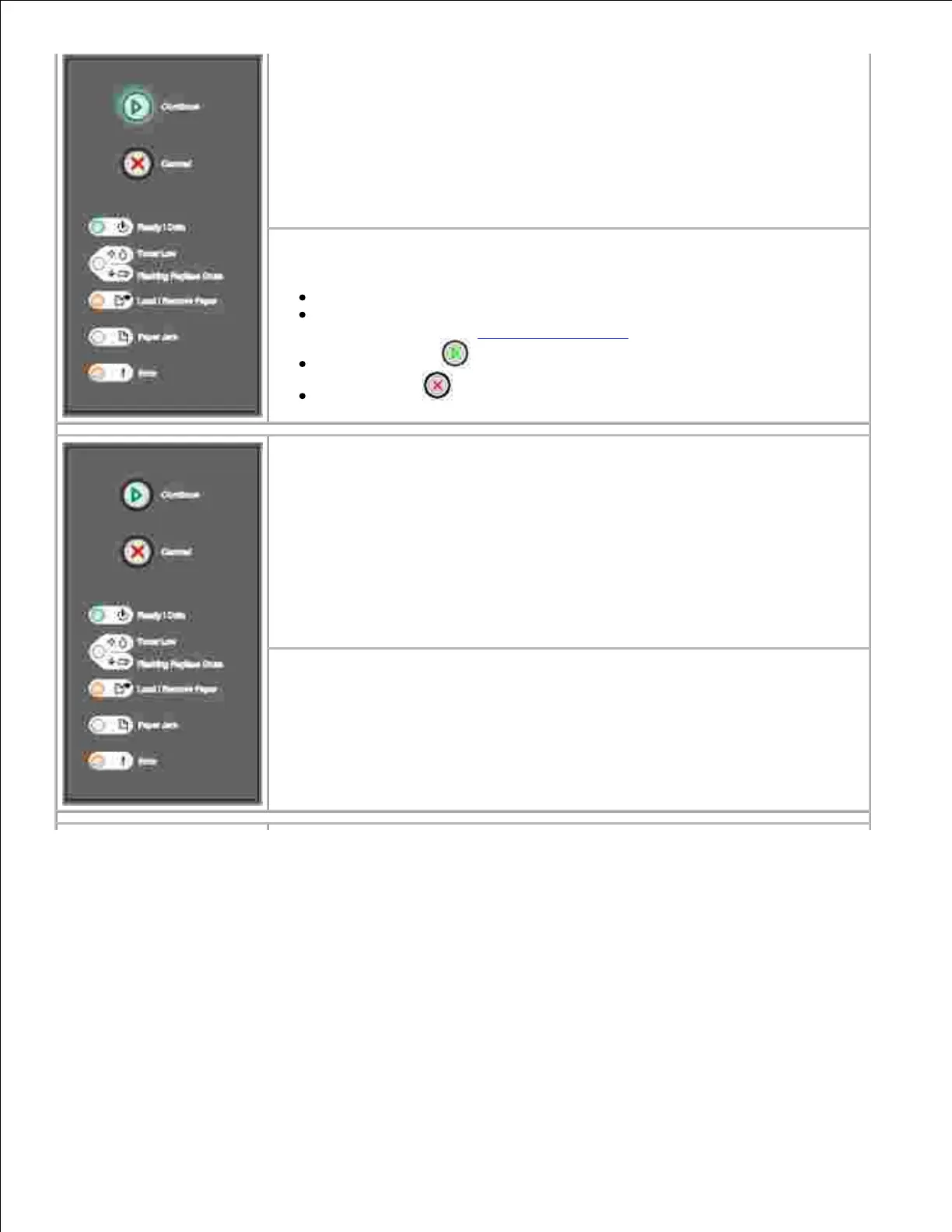
Secondary error code
What this light sequence means:
The paper length is too short to print the formatted data.
This occurs when the printer does not know the media size loaded in the tray,
or there is a problem feeding the media.
What you can do:
Make sure the print media you loaded is large enough.
Open the front cover, clear the paper path, and close the cover to
resume printing (see Clearing paper jams).
Press Continue to clear the message and continue printing the job.
Press Cancel to cancel the print job.
Secondary error code
What this light sequence means:
The code in an internal print server has not been programmed, or the
programmed code is not valid.
What you can do:
Download valid engine code to the internal print server.



 To Next Page