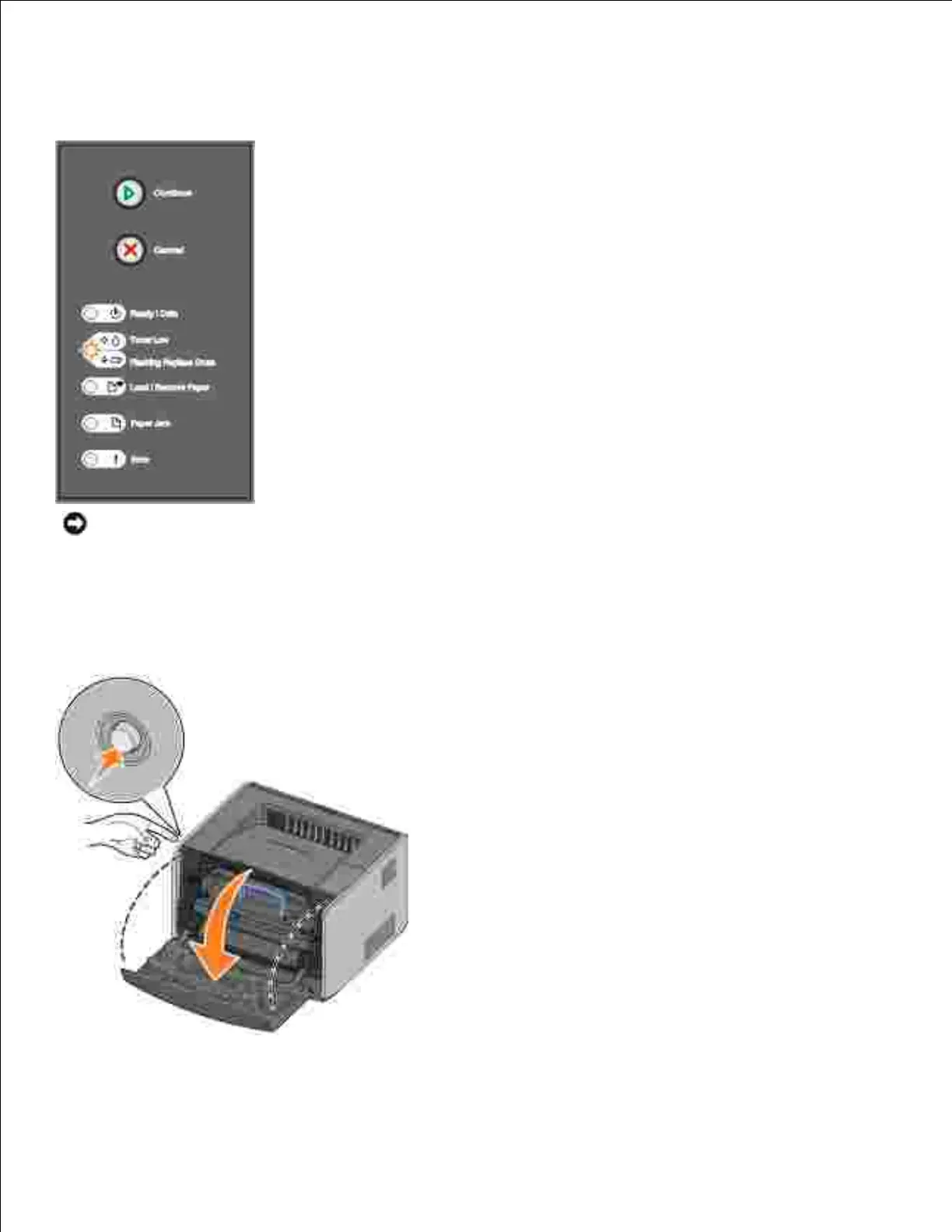
When you first receive the Replace imaging drum light sequence you should immediately order a new
imaging drum. While the printer may continue to function properly after the imaging drum has reached its
official end-of-life (approximately 30,000 pages), print quality begins to significantly decrease until the
photoconductor stops operating at the maximum of 40,000 pages.
NOTICE: When replacing an imaging drum, do not leave the toner cartridge or the new imaging drum
exposed to direct light for an extended period of time. Extended light exposure can cause print quality
problems.
To replace the imaging drum:
Open the front cover by pressing the button on the left side of the printer and lowering the cover.1.
Pull the toner cartridge assembly out of the printer by pulling on the toner cartridge handle.2.



 To Next Page