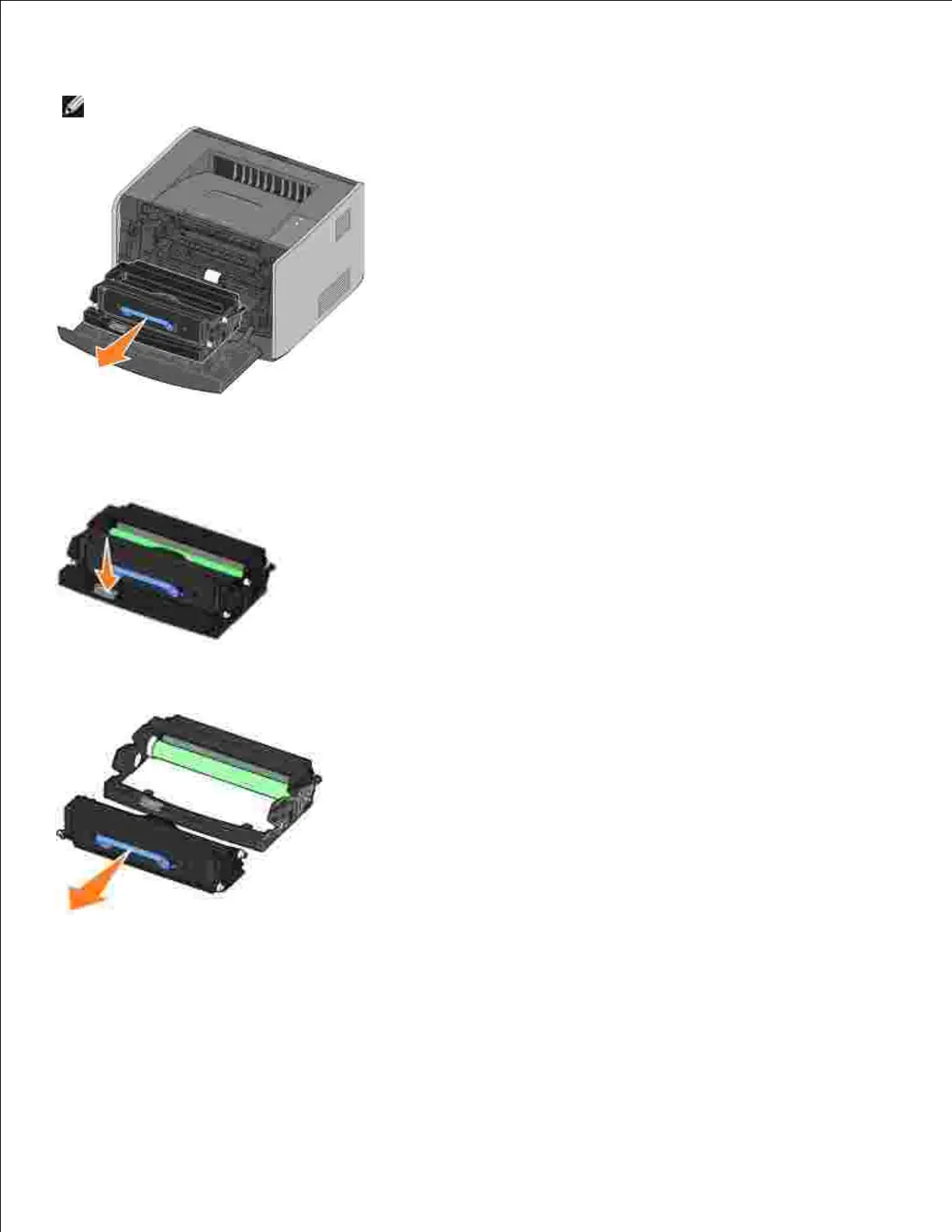
Place the toner cartridge assembly on a flat, clean surface.
Press the button on the base of the toner cartridge assembly.3.
Pull the toner cartridge up and out using the handle.4.
Unpack the new imaging drum.5.
Install the toner cartridge into the new toner cartridge assembly by aligning the white rollers on the
toner cartridge with the white arrows on the tracks of the imaging drum and pushing the toner
cartridge in as far as it will go. The cartridge clicks into place when correctly installed.
6.



 To Next Page