f Touch Distinctive Ring Settings.
g Touch the arrow for the pattern setting you want to change.
h Touch Submit.
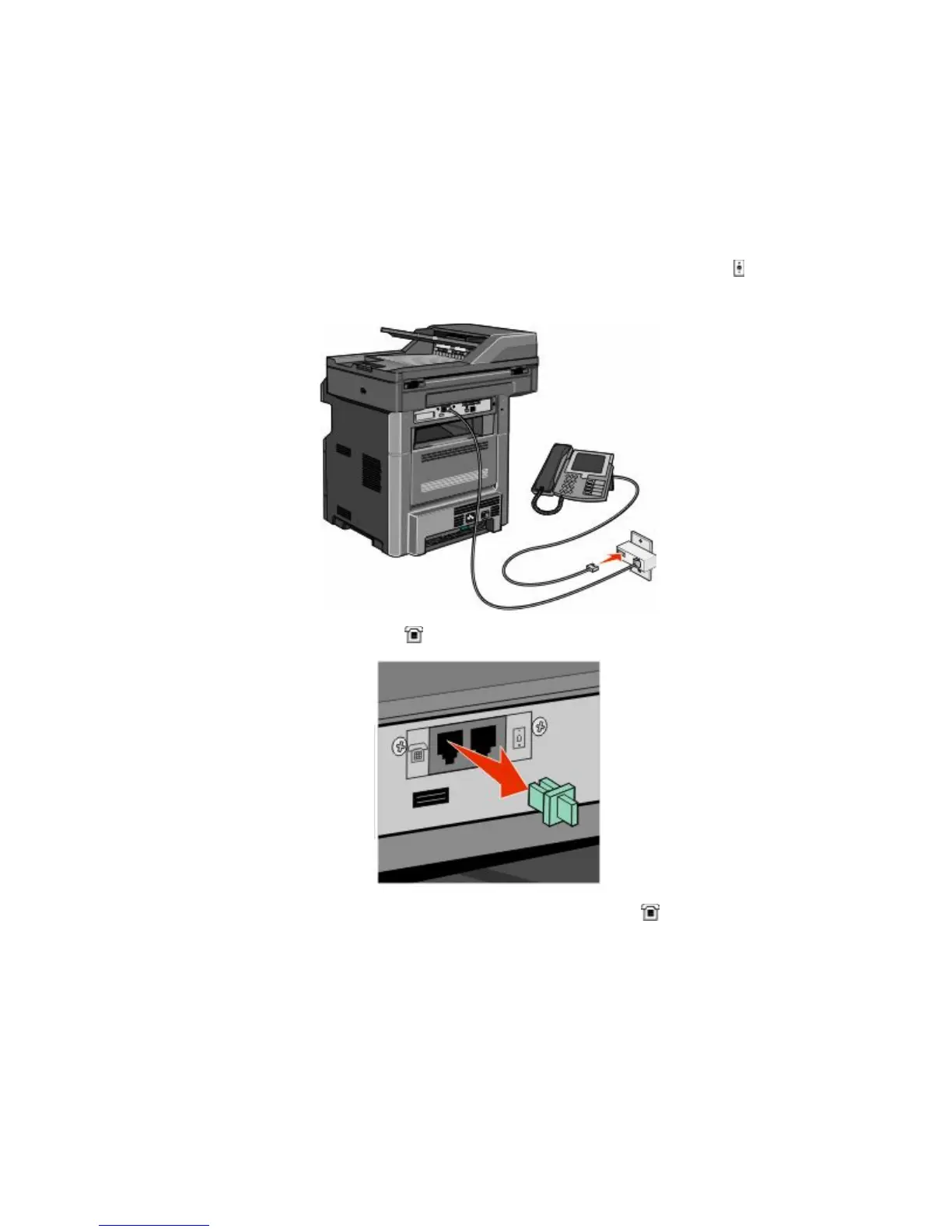
Connecting the printer and a telephone or answering machine to
the same telephone line
1 Connect one end of the telephone cable that came with the printer to the printer LINE port .
2 Connect the other end of the telephone cable to an active analog telephone wall jack .
3 Remove the plug from the printer EXT port .
4 Connect your telecommunications equipment directly to the printer EXT port
.
Faxing
128











 To Next Page