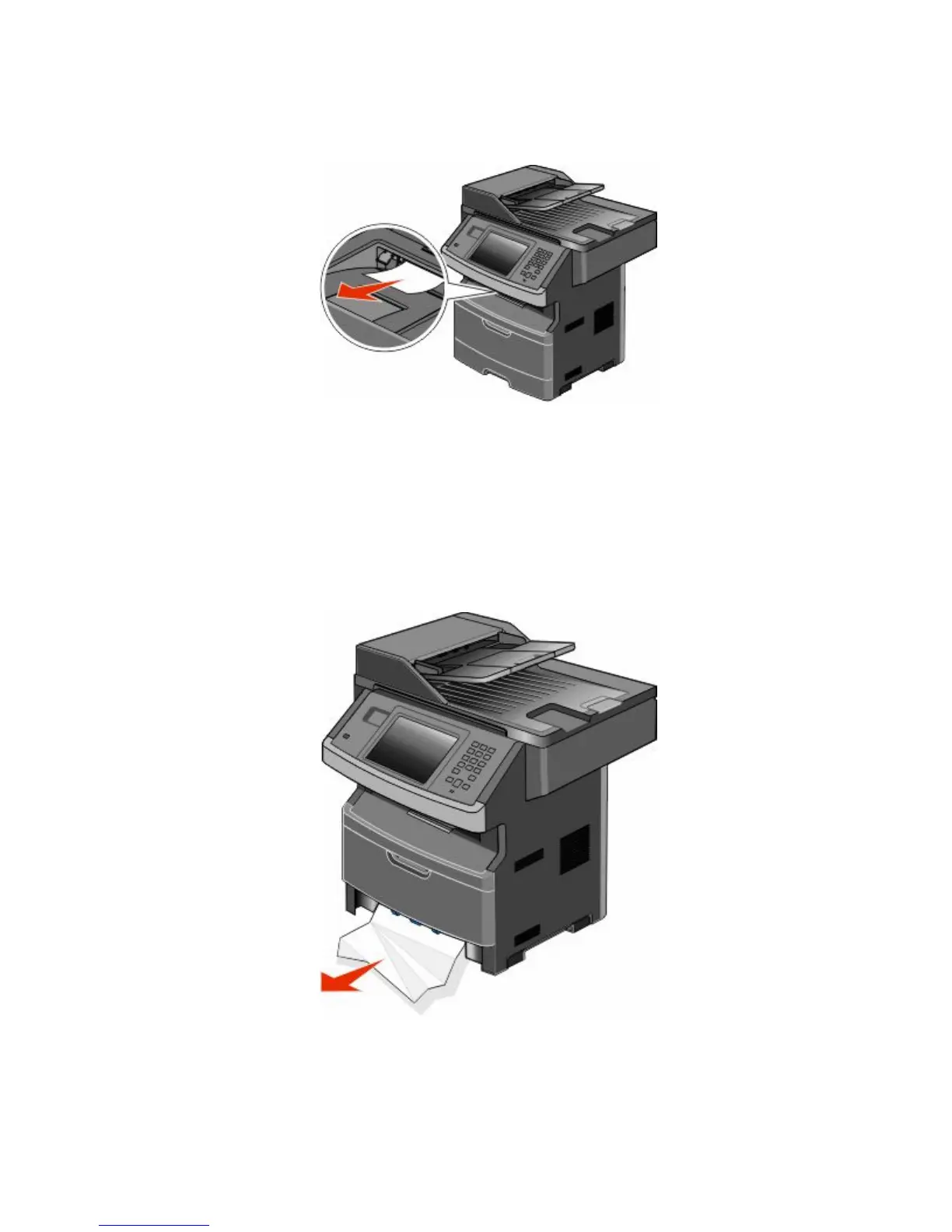
235 paper jam
1 Gently pull the jammed sheet out of the standard exit bin.
2 Touch Continue.
240–249 paper jams
1 Touch Status/Supplies to identify the location of the jam.
2 Pull the standard tray out.
3 Remove any jammed paper.
4 Insert the tray, and then touch Continue.
5 If the jam message persists, then pull out any optional trays.
Clearing jams
247











 To Next Page