CHECK THE PAPER TYPE SETTING
Make sure the paper type setting matches the paper loaded in the tray:
1 From the printer control panel Paper menu, check the Paper Type setting.
2 Before sending the job to print, specify the correct type setting:
• For Windows users, specify the type from Print Properties.
• For Macintosh users, specify the type from the Print dialog.
THE TONER CARTRIDGE MAY BE DEFECTIVE
Replace the toner cartridge.
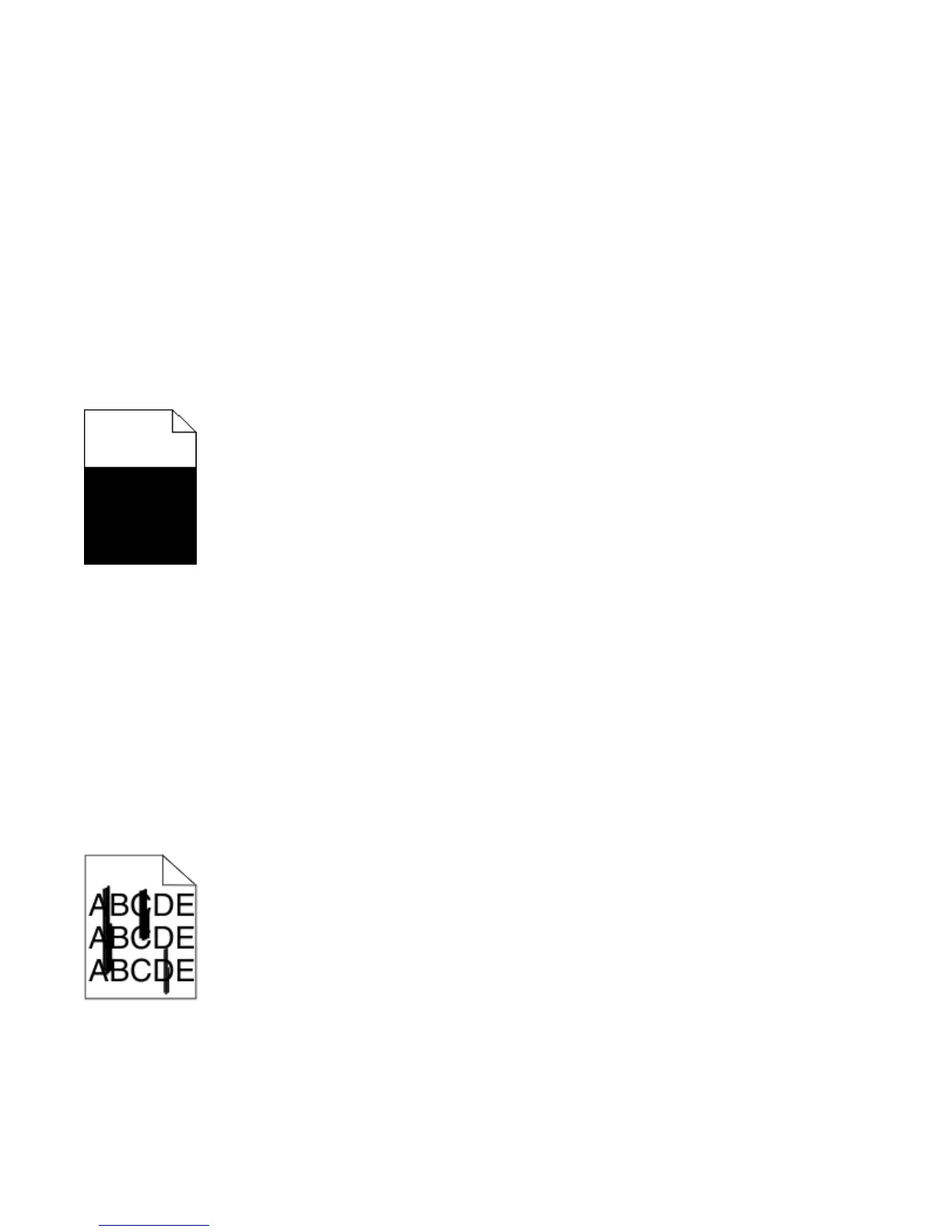
Solid color pages
These are possible solutions. Try one or more of the following:
MAKE SURE THE TONER CARTRIDGE IS PROPERLY INSTALLED
Remove the toner cartridge and shake it from side to side to redistribute the toner, and then reinstall it.
THE TONER CARTRIDGE MAY BE DEFECTIVE OR LOW ON TONER
Replace the used toner cartridge with a new one. If the problem continues, the printer may need to be serviced.
For more information, contact Customer Support.
Streaked vertical lines
These are possible solutions. Try one or more of the following:
Troubleshooting
289











 To Next Page