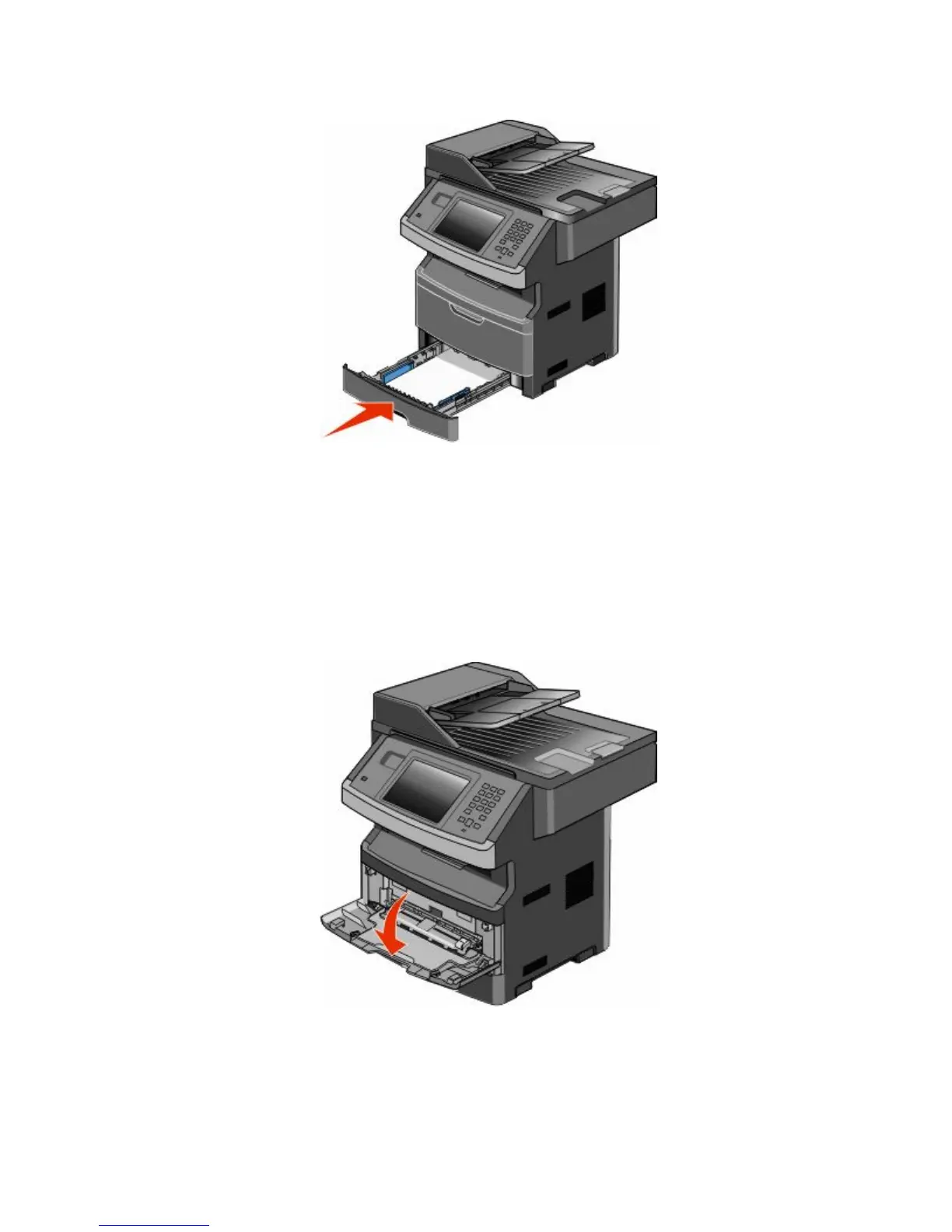
6 Insert the tray.
7 If the paper type you loaded differs from the type that was previously loaded in the tray, then change the Paper
Size/Type setting on the Paper menu.
Using the multipurpose feeder
Opening the multipurpose feeder
1 Grasp the handle, and pull the multipurpose feeder door down.
Loading paper and specialty media
80











 To Next Page