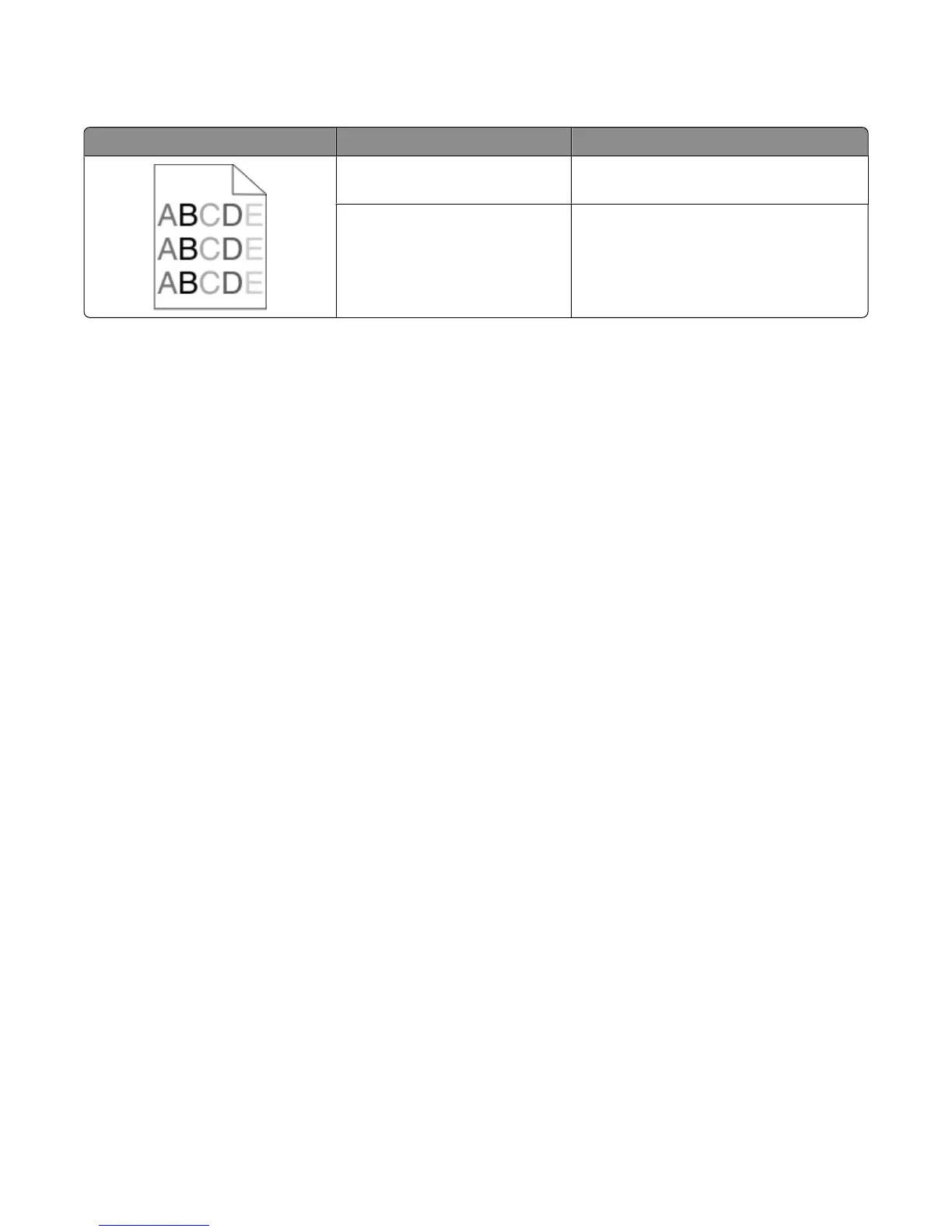
Uneven print density
Example Cause Solution
Toner cartridge is worn or
defective.
Replace the toner cartridge.
Photoconductor is worn or
defective.
Replace the photoconductor.
Embedded Web Server does not open
These are possible solutions. Try one or more of the following:
CHECK THE NETWORK CONNECTIONS
Make sure the printer and computer are turned on and connected to the same network.
CHECK THE NETWORK SETTINGS
Depending on the network settings, you may need to type https:// instead of http:// before the printer IP
address to access the Embedded Web Server. For more information, see your system administrator.
Contacting Technical Support
When you call Technical Support, describe the problem you are experiencing, the message on the display, and the
troubleshooting steps you have already taken to find a solution.
You need to know your printer model type and the Service Tag number or Express Service Code. For more information,
see the label on the inside top front cover of the printer. The Service Tag number is also listed on the menu settings
page.
For additional technical support, check the Dell Support Web site at support.dell.com.
Troubleshooting
293











 To Next Page