CHECK THE PAPER TYPE SETTING
Make sure the paper type setting matches the paper loaded in the tray:
1 From the printer control panel Paper menu, check the Paper Type setting.
2 Before sending the job to print, specify the correct type setting:
• For Windows users, specify the type from Print Properties.
• For Macintosh users, specify the type from the Print dialog.
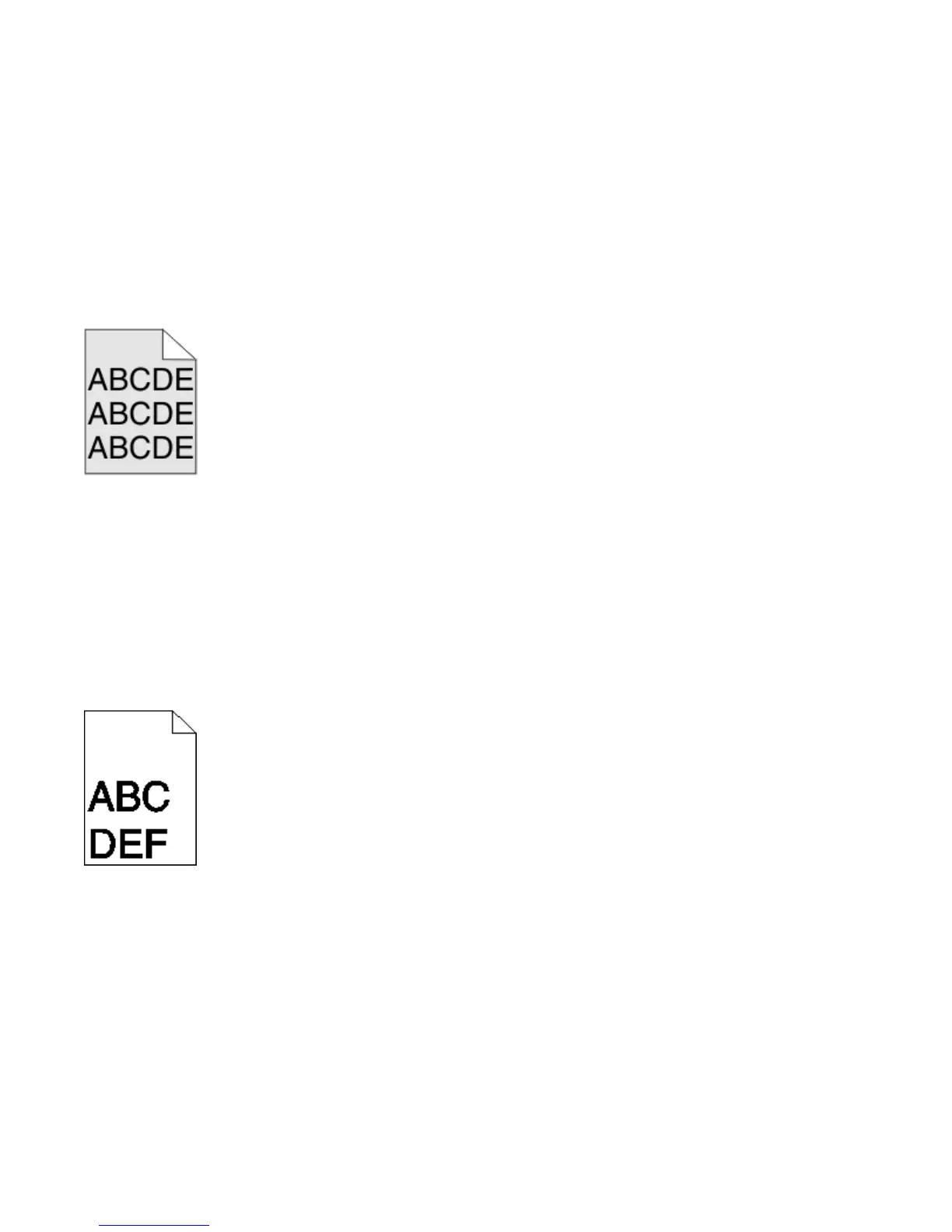
Gray background
CHECK THE TONER DARKNESS SETTING
Select a lighter Toner Darkness setting:
• From the printer control panel Quality menu, change the setting.
• For Windows users, change the setting from Print Properties.
• For Macintosh users, change the setting from the Print dialog.
Incorrect margins
These are possible solutions. Try one or more of the following:
CHECK THE PAPER GUIDES
Move the guides in the tray to the correct positions for the paper size loaded.
Troubleshooting
284











 To Next Page