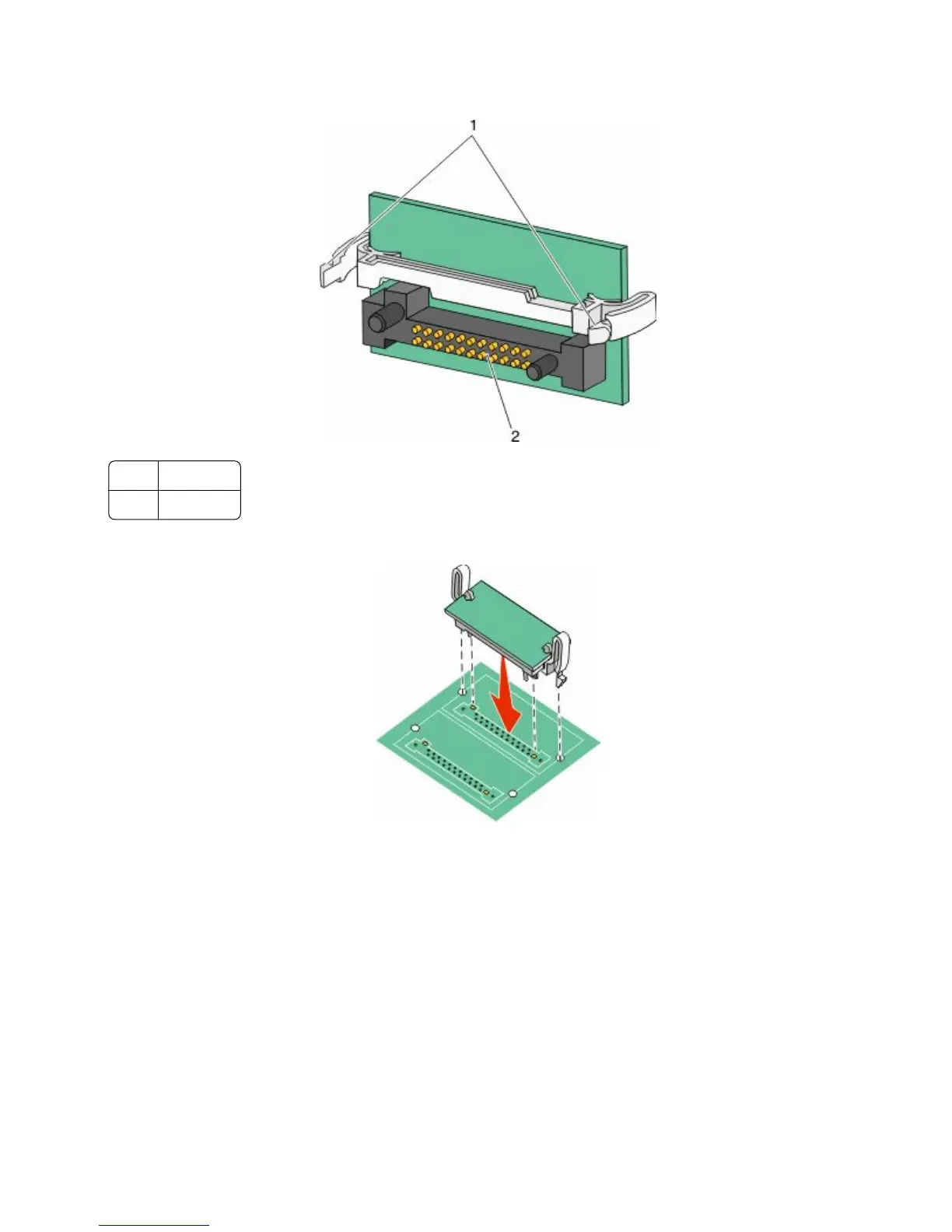
3 Holding the card by its sides, align the plastic pins on the card with the holes on the system board.
1
Plastic pins
2
Metal pins
4 Push the card firmly into place.
Notes:
• The entire length of the connector on the card must touch and be flush against the system board.
• Be careful not to damage the connectors.
5 Release the latch, and then close the system board door by lowering the scanner.
Additional printer setup
35











 To Next Page