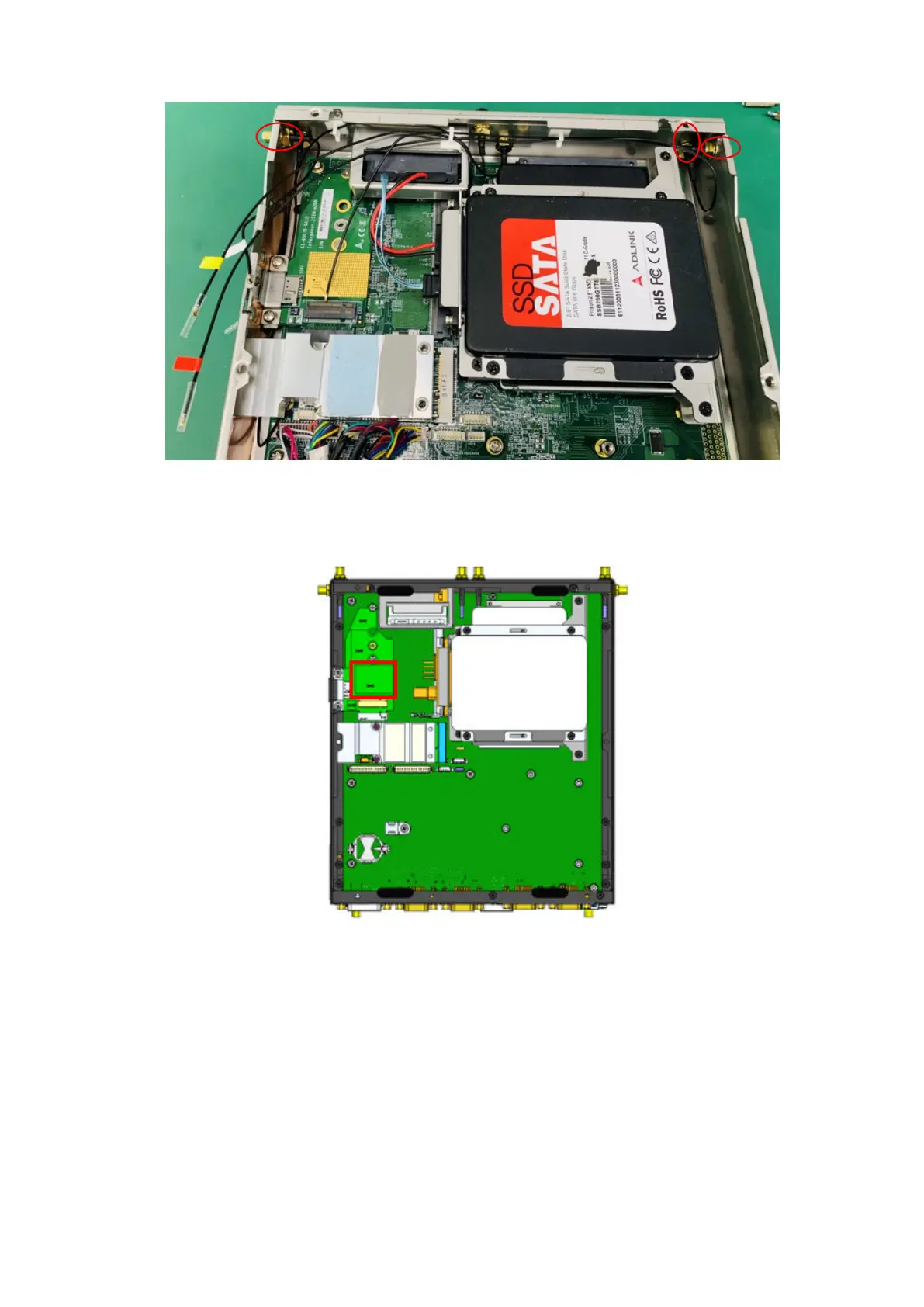
Figure 21. SMA cables connected
6. Wire the SMA cables to the M.2 module. Use cable clips to secure the cables.
7. Note the installation location for the M.2 module, as indicated with a red rectangle in the following figure.
Figure 22. M.2 module location
8. Apply the thermal pad, as shown in the following figure.
Installation procedure for 4G expansion module
17















 To Next Page