EasyManua.ls Logo

Dell 5210n Mono Laser Printer - Paper Jam Open Rear Door

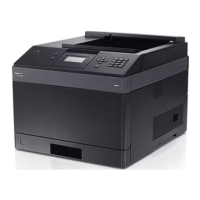
Dell 5210n Mono Laser Printer
150 pages
Print Icon
To Next Page IconTo Next Page
To Previous Page IconTo Previous Page
Loading...
9. Press the Select button .
202 Paper Jam Open Rear Door
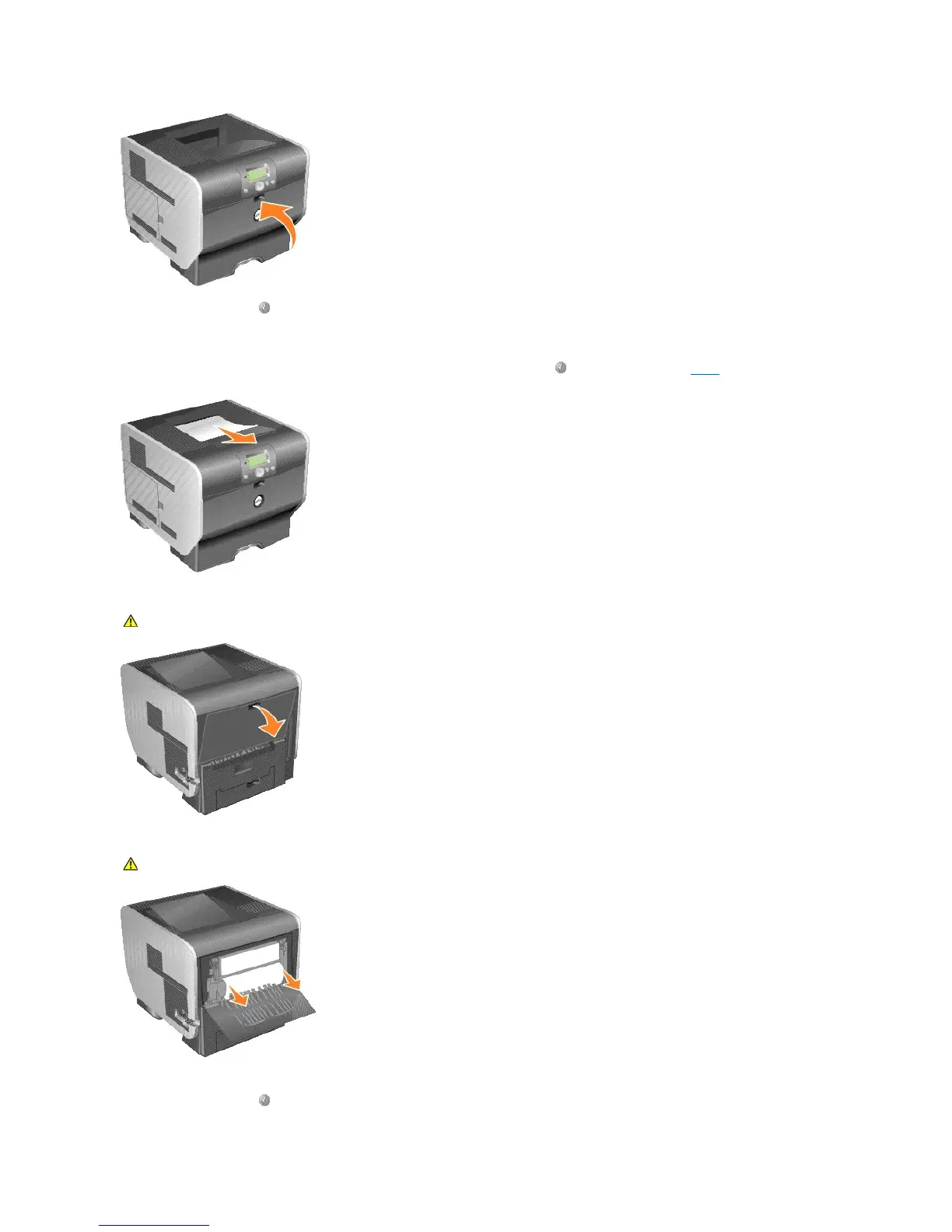
1. If the paper is exiting the printer, pull the media straight out, and press the Select button . Otherwise, continue with step 2.
2. Open the printer rear door.
3. Remove the jammed media.
4. Close the rear door.
5. Press the Select button .
CAUTION: The inside of the printer may be hot. Allow the printer to cool before touching any internal components.
CAUTION: Do not use any pointed objects to remove the paper. This could cause personal injury or damage to the printer.

Table of Contents