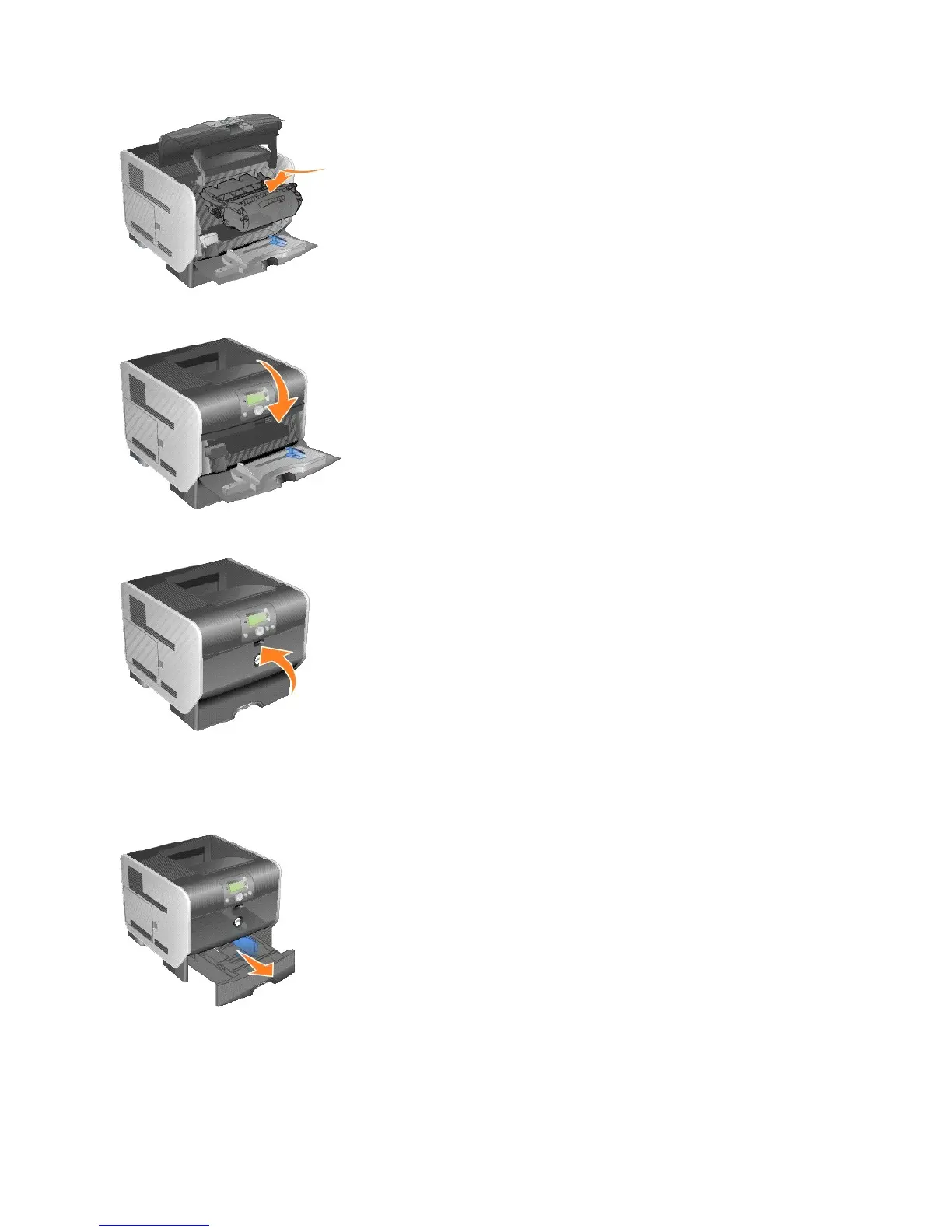
12. Close the top front cover.
13. Close the multipurpose feeder.
14. Plug the printer power cord into a properly grounded electrical outlet.
Replacing the Pick Rollers
1. Remove the standard tray.
2. Look underneath the printer for the pick roller arm and pull it down.















 To Next Page