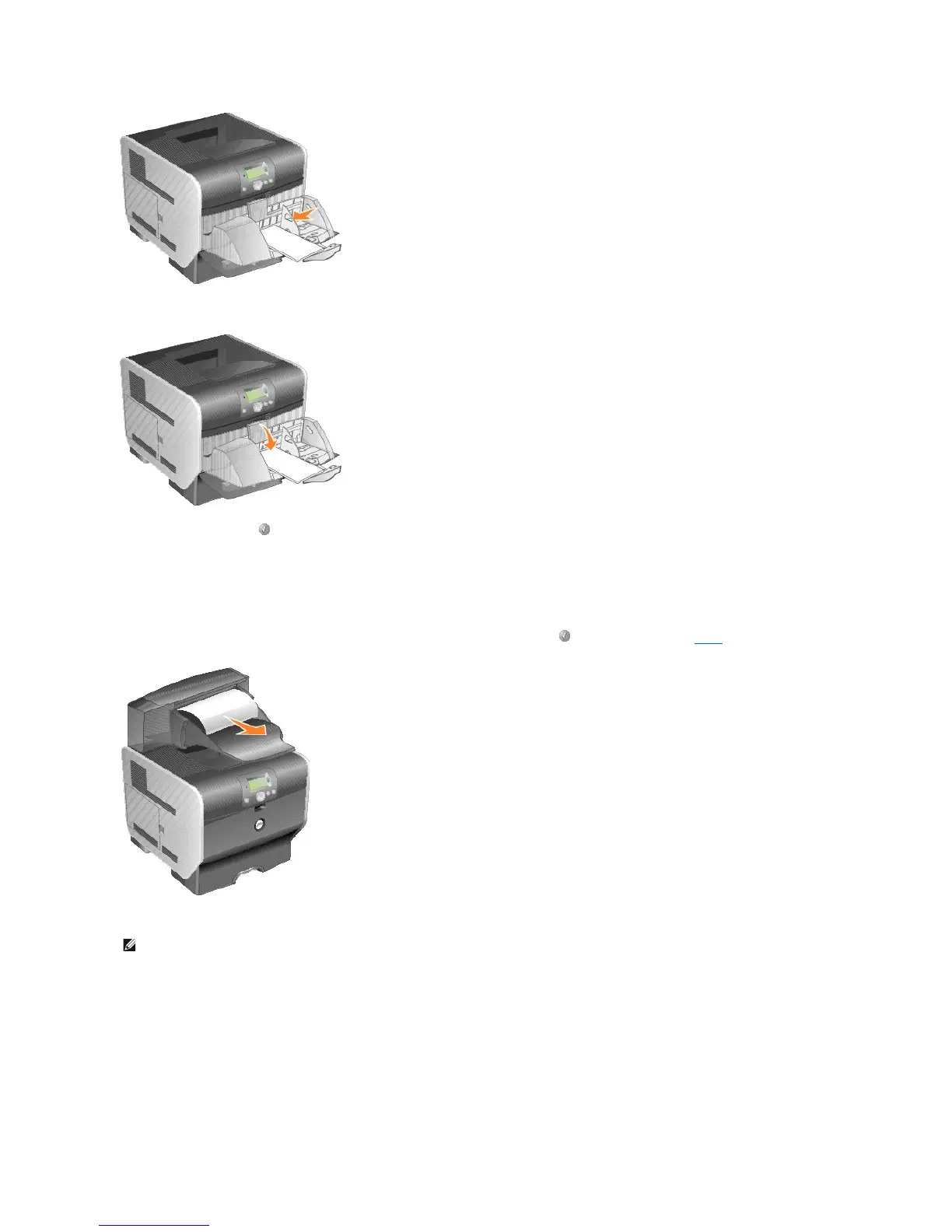
6. Lower the envelope weight.
7. Press the Select button .
27x Paper Jam Check Bin x
To clear a jam in the output expander:
1. If the paper is exiting into the bin, pull the media straight out, and press the Select button . Otherwise, continue with step 2.
2. Push the output bin rear door latches in toward the center. The rear doors will open and drop down.













 To Next Page